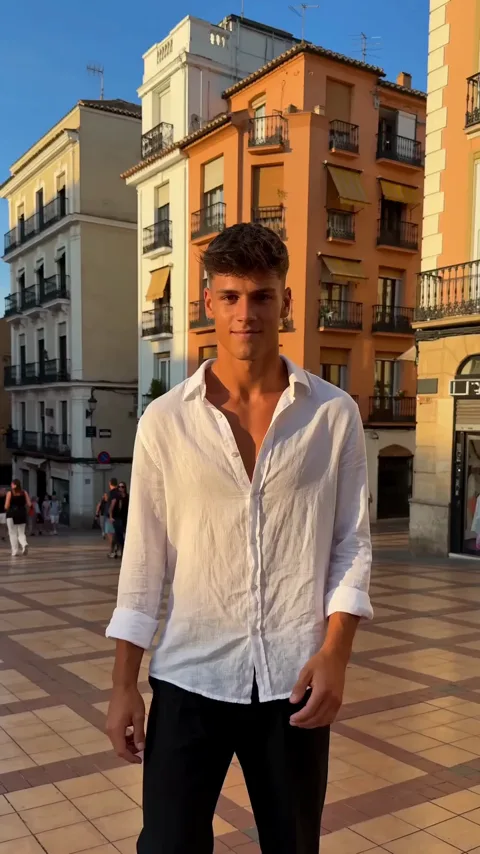
Dame Hombro AI Face Swap: How It Really Works
A clear look at the Dame Hombro AI face swap: what the photo-to-video tool really changes, how to get a clean result, and what stays private to your account.
Dame Hombro AI editorial team · Updated October 8, 2026
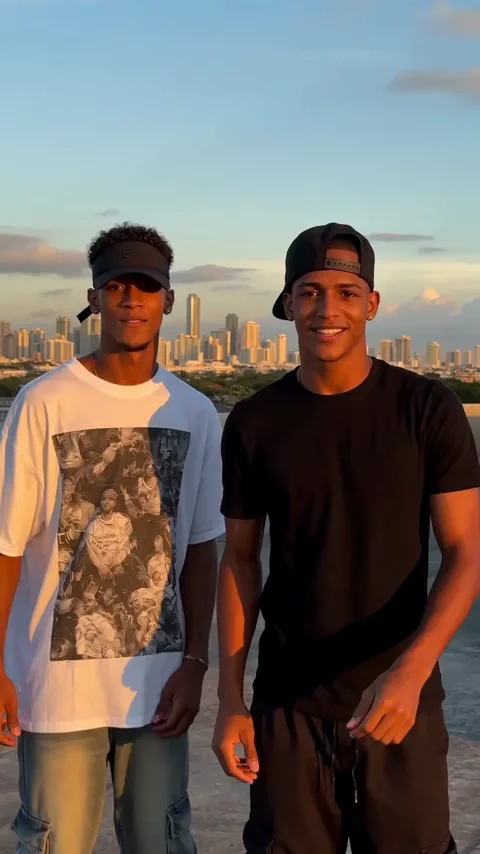
Is There a Dame Hombro AI Face Swap?
Yes, in the sense people mean it, a Dame Hombro AI face swap puts your face into the viral shoulder-dance freestyle by generating a brand-new clip from your photo. It is not a layer pasted over the original trend video. The model renders the whole performance, then carries your face and outfit into it, so the result looks like you danced the move rather than a sticker of your head riding on someone else's clip.
The difference matters for quality. A paste-on effect keeps the original body and merely replaces the features, which is why so many quick swaps look flat and mismatched. A generative render rebuilds the figure, the light, and the motion together, so the face and the body belong to the same shot. Dame Hombro AI is an independent tool and is not affiliated with, endorsed by, or licensed by any artist, label, or platform.
What Photo-to-Video Replaces and What It Does Not
A common expectation is that a face swap keeps everything from the source clip except the face. That is not how this tool works, and knowing the difference saves you from disappointment.
| Aspect | What you might expect from a swap | What this tool actually does |
|---|---|---|
| Source | Crops a face out of the original clip | Generates the performance from your photo |
| Body | Keeps the original performer's body | Rebuilds a figure from your photo |
| Background | Copies the original scene | Renders the scene around the new figure |
| Audio | Reuses the clip's sound | Adds generated audio to the file |
So the honest way to describe it is a photo-to-video performer, not a patch. You supply the person, the trend supplies the choreography, and the model supplies everything in between.
How to Make the AI Face Swap Yourself
- Open https://damehombroai.com in a browser on your phone or computer.
- Sign up with your email address; no card is required to create the account.
- Claim the check-in reward in the account pop-up to collect free credits.
- Choose the Dame Hombro scene you want your face to appear in.
- Upload one clear photo of an adult with a visible face.
- Add a short description if you want a specific mood, outfit, or setting.
- Submit the job and wait; most renders finish in a few minutes.
- Download the finished vertical MP4 and post it wherever you like.
There is nothing to mask, cut out, or line up by hand. The only real decision is the photo you feed in, which is why a sharp, front-facing portrait matters more than anything else.
Duet Swaps: Two Photos, Two Performers
The duet scene takes two separate photos, one per performer, and places both people in the same freestyle. This is the format people use for friend videos, couple clips, and side-by-side challenges, and it is the closest thing to a classic face swap because two distinct faces appear together in one shot. The rule is simple: upload two images, not one image with two people. Group photos are not supported, so each performer needs their own clear portrait. Try to match the two photos in framing and lighting so both figures read at the same size and the same light.
Getting a Realistic Result
Realism starts in the source file. Use even daylight, fill the frame with the face, and avoid hats, heavy filters, and anything that hides the features. Keep the pose relaxed, because fast or cluttered arm positions are where AI motion tends to look odd, and a calm source gives the model a cleaner starting point. If you want a particular outfit or backdrop, write it in the description rather than hoping the photo carries it. After the render, judge the clip as a whole: a slightly different expression is normal, and the goal is a convincing performance, not a passport-style replica. The photo guide goes deeper on lighting and framing, and the face versus whole-person guide explains how much of the source the model keeps.
What It Costs
Every render costs 30 credits regardless of whether it is a solo or a duet.
| Plan | Price | Videos | Credits |
|---|---|---|---|
| Starter pack | $9.90 | 1 video | 30 credits |
| Three-video pack | $19.90 | 3 videos | 90 credits |
| Five-video pack | $29.90 | 5 videos | 150 credits |
| Monthly plan | $29.90 per month | 10 videos | 300 credits |
| Yearly plan | $199 per year | 120 videos | 3,600 credits |
New accounts can start for free. Sign up with an email address, claim the check-in reward in the account pop-up, and collect 10 credits, then 20, then 30, then 10 for each of the next four claims, once per account every 24 hours. Two claims are enough for one full video. Pack credits never expire, monthly credits refresh each billing month, and yearly credits arrive at once and last the billing year. A failed job returns the credits it consumed.
Rights, Consent, and Privacy
A face swap is only fair when the person in the photo agrees to it. Only upload adults whose permission you have, and never use a picture to impersonate someone or to suggest they endorsed something they did not. Your uploads and your results stay private to your account and are not shown to other users. Moderation runs on the prompt, the uploaded photo, and the finished video, and adult content is rejected. The privacy policy and terms of service spell out the rules, and the refund policy covers purchases.
FAQ
Is this the same as swapping a face onto the original clip?
No. The tool generates a new performance from your photo rather than pasting features onto the trend video, so the face, body, and scene are rendered together.
Can I put two faces in one video?
Yes, but use the duet scene and upload two separate photos, one per performer. A single group photo is not supported as input.
Why does my swap look slightly different from the photo?
Generative video rebuilds the person rather than copying them exactly, so small changes in expression or detail are normal. A sharper, evenly lit photo reduces the gap.
Do I need the other person's permission?
Yes. Only upload photos of adults who have agreed to appear, and never use someone's image to impersonate them.
Are my photos and videos private?
Yes. Your uploads and generated files stay private to your account and are not shared with other users.
For the full cost breakdown, see the pricing page, and for the complete upload-to-download walkthrough, read the how-to guide. You can also learn more about the project.