Dame Hombro AI Video Maker: Create Your Own Clip
See how the Dame Hombro AI video maker turns one clear photo into a vertical dance clip, what it costs, and how to get your first render in minutes.
Dame Hombro AI editorial team · Updated October 8, 2026
What a Dame Hombro AI Video Maker Does
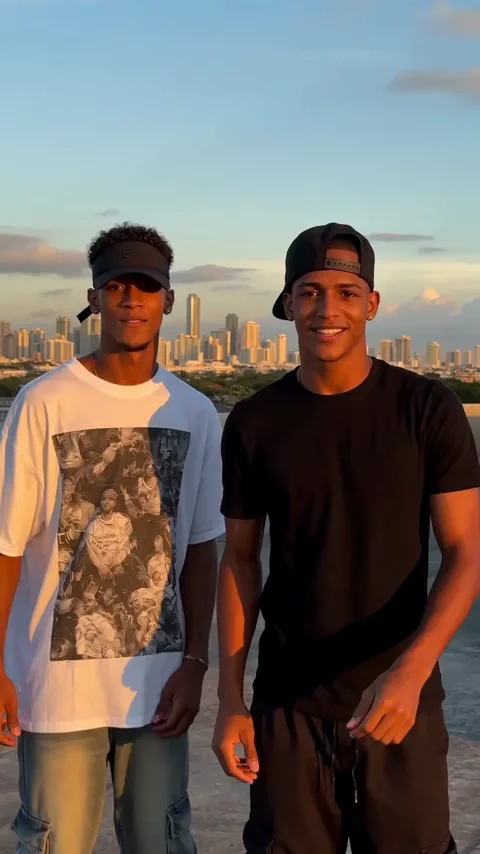
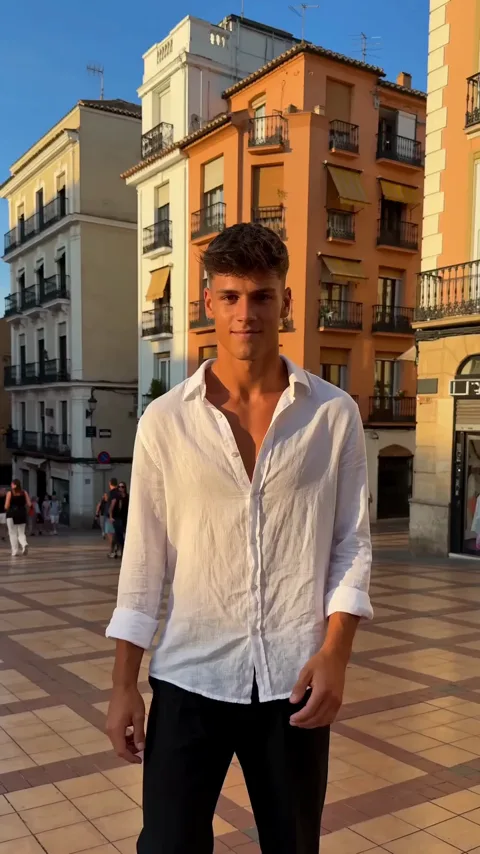
A Dame Hombro AI video maker takes one clear photo of a person and turns it into a short vertical video of that person performing the shoulder-dance freestyle from the trend. You upload a picture, the model renders the performance, and you download a ready-to-post MP4 without touching a camera or a video editor.
That is the whole point of the tool. The trend asks for a specific move, a specific energy, and a specific vertical format, and doing it yourself means learning the dance, filming it, and editing it. The generator replaces all of that with one photo and a short wait. Dame Hombro AI is an independent tool and is not affiliated with, endorsed by, or licensed by any artist, label, or social platform.
Why the Trend Moved to AI
Dame Hombro started in October 2026 as a Dominican dembow moment, spread through short dance clips, and quickly became a template. Once a dance is a template, people stop copying it and start remixing it, and the easiest remix is to put yourself, a friend, or a character into the move. That is where an AI video maker fits: it lets anyone join the trend without a camera, a crew, or a background in editing, and it produces the vertical format the platforms reward.
Solo, Duet, and Text to Video
The maker supports three input styles, and the right one depends on who should appear in the clip.
| Style | Input | Good for |
|---|---|---|
| Solo | One clear photo of one adult | A single performer and a quick post |
| Duet | Two separate photos, one per performer | Two friends trading the move |
| Text to video | A written description, no photo | Characters, mascots, and anonymous performers |
Every option produces the same output format: one MP4 file, vertical 9:16, 720p, about 8 seconds, with the generated audio on. Your files are private to your account.
How to Use the Video Maker
- Open https://damehombroai.com in a browser on your phone or computer.
- Create an account with your email address; no card is required to sign up.
- Claim the check-in reward in the account pop-up to collect free credits.
- Choose the solo scene, the duet scene, or the text-to-video option.
- Upload one clear photo of an adult, or two separate photos for a duet.
- Add a short description if you want a particular setting, outfit, or mood.
- Submit the job and let it run; most renders finish in a few minutes.
- Download the MP4 once it appears and post it wherever you like.
Only one job runs per account at a time, so plan your ideas in a queue rather than firing them off together. If a job fails, the credits it used are returned automatically.
What the Output Looks Like
Expect a single clip, not a highlight reel. You get one vertical 9:16 video at 720p that runs about 8 seconds, which is long enough for one clean loop of the freestyle and short enough to hold attention on a feed. The generated audio is on, so the file already carries a track rather than arriving silent. Because the model preserves the face and the outfit from your source, the more careful your photo, the closer the result stays to the person you uploaded. AI motion is not perfect, and fast or crowded poses can look unusual, so a relaxed, clearly lit source image gives the best result. The photo guide covers that in detail.
Credits, Free Credits, and Pricing
Every render costs 30 credits, and you can buy them in one-time packs or through an optional subscription.
| Plan | Price | Videos | Credits |
|---|---|---|---|
| Starter pack | $9.90 | 1 video | 30 credits |
| Three-video pack | $19.90 | 3 videos | 90 credits |
| Five-video pack | $29.90 | 5 videos | 150 credits |
| Monthly plan | $29.90 per month | 10 videos | 300 credits |
| Yearly plan | $199 per year | 120 videos | 3,600 credits |
New accounts start free. Sign up with an email address and claim the check-in reward in the account pop-up: the sequence is 10 credits, then 20, then 30, then 10 for each of the next four claims, once per account every 24 hours. Two claims are enough for a full video. Pack credits never expire, monthly credits refresh each billing month, and yearly credits arrive all at once and last the billing year.
Choosing Your First Idea
Start simple. A solo clip with a clean portrait is the easiest way to see how the maker reads your photo, and it is the fastest path to a post you are happy with. Once you like the result, try a duet with two matching photos so both performers read at the same scale, or switch to text-to-video for a concept you cannot photograph. If you want a specific era, outfit, or location, describe it in the text field rather than relying on the photo to carry it, and keep the description short and concrete. Moderation checks the prompt, the photo, and the finished video, and adult content is rejected, so keep every idea within platform-friendly limits.
FAQ
Is the video maker free to try?
Yes. Create an account with an email address and claim the check-in reward. Two claims are enough for one full video, and the claims reset once per account every 24 hours.
Do I need video editing skills?
No. You upload a photo and download a finished clip. There is no timeline, no keyframing, and no export settings to configure.
Can I make a video without a photo?
Yes. The text-to-video option builds the scene from a written description instead of a photo, which suits characters and anonymous performers.
How long does one render take?
Usually a few minutes. Processing is asynchronous, so you can close the tab and check back, and one job runs per account at a time.
What do I get for 30 credits?
One finished video: an MP4 in vertical 9:16 at 720p, about 8 seconds long, with generated audio on and the file kept private to your account.
For the full cost breakdown, see the pricing page. You can also read the step-by-step how-to guide, compare formats in the duet guide, and review the terms of service and privacy policy.