What the generator actually does
A generic video model starts from a text prompt and invents a scene. This tool works differently. It starts with a short reference performance, then replaces the appearance of the performer with the adult in your photo. The camera angle, the shoulder turn, the two-step and the length of the clip stay anchored to that reference.
That constraint is the point. You are not asking a model to imagine a dance from scratch; you are asking it to carry one face and outfit through a movement that already exists. It gives you a repeatable result instead of a random interpretation of the word dance.
What you upload, and what the model sees
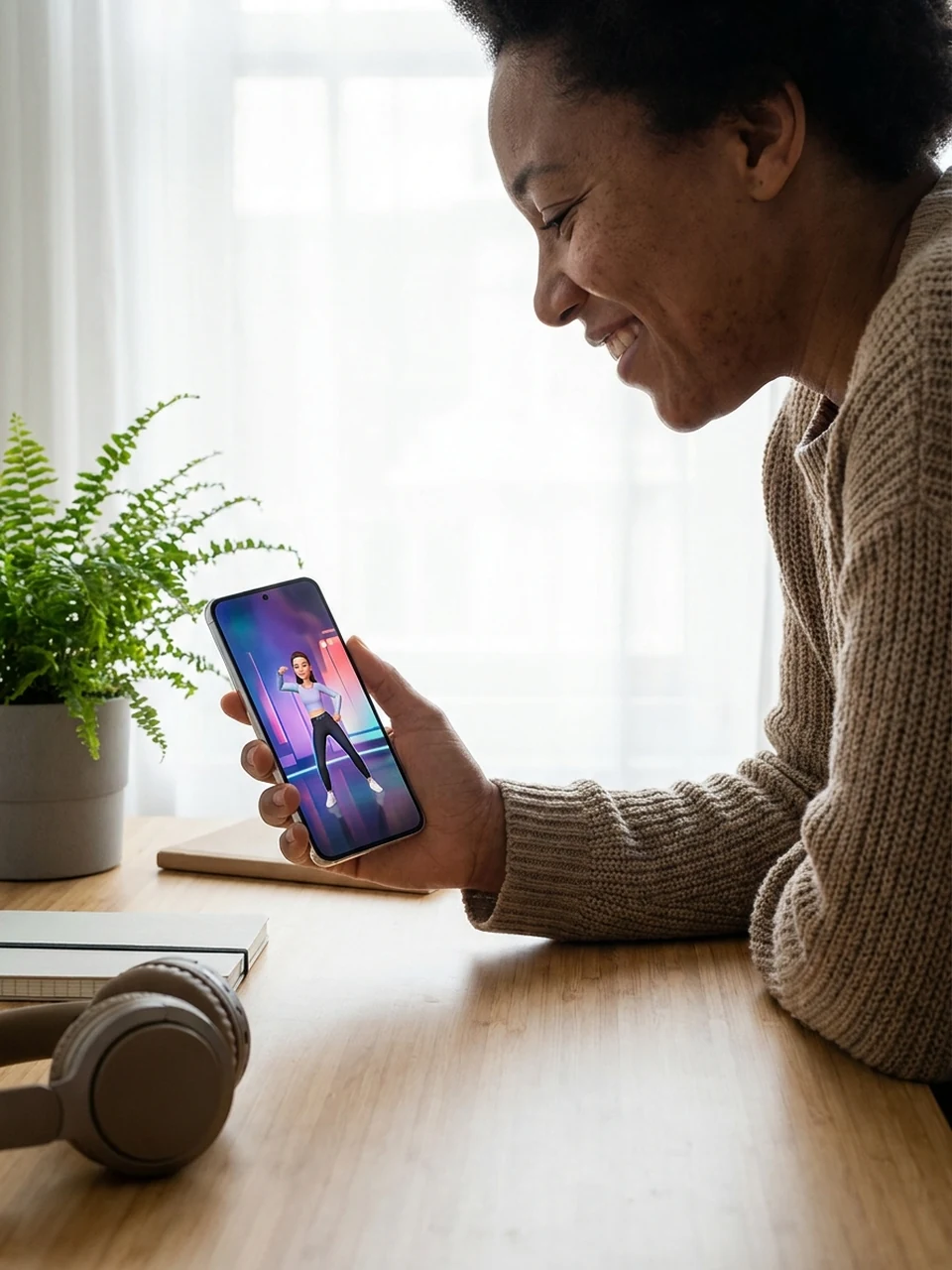
Upload one JPG, PNG or WebP image of one adult, up to 10 MB. The best photo is sharp, front-facing, and evenly lit. A plain background helps the model separate the person from the scene. If you want your outfit to appear, choose Whole appearance; if you only want your face and hair, choose Face and hair and keep the source outfit.
The model sees a short reference video and your photo together. It is trying to preserve identity while matching motion. That is a harder job than a face swap on a still image, so small changes in facial detail, hands or fabric are normal. The preview exists so you can judge those changes before you download or post.
How the scene and timing work
Every standard clip is eight seconds long, vertical 9:16, and rendered at 720p. The scene preview on the page is the source footage the model animates from, not a promised generated result. You can switch between the solo and duet cuts before you upload, and the role labels tell you which photo replaces which performer.
One job runs per account at a time. You can leave the page while it renders; the job stays attached to your account and appears in My videos. A failed render returns its credits automatically. The paid result is a private MP4 with its own generated audio track, ready for the platform of your choice.
Where this format fits
The obvious use is a short-form post: a TikTok, a Reel, a Short, or a story. The vertical frame is already the shape those surfaces want, so you do not need to crop or letterbox it. The clip is short enough to loop and specific enough to carry a trend reference without a long explanation.
It also works as a lightweight greeting or group joke. A friend can send a clip instead of a text; a couple can make a duet; a team can put the same move on several faces. Because every render starts from the same scene, a set of clips feels like a series rather than a pile of unrelated AI videos.
What it cannot do
It cannot turn a photo into a freestyle dancer with a new song, a different location and a different camera plan. It cannot guarantee an exact likeness, perfect hands, or a specific outfit detail. It cannot make a minor perform an adult trend, and it cannot be used to impersonate someone without their permission.
It also cannot replace the source music. The track by Bulin 47 and Kevin Wai is not licensed into the render. Every clip ships with generated audio; if you add the original song in an editor, you need the rights for the platform where you publish it. This is a visual tool, not a music service.
Price and credits without the fog
One standard video uses 30 credits. A one-time pack starts at $9.90 for a single video, with three-video and five-video packs available. There is no subscription requirement for a one-time pack, and unused credits do not expire. A monthly or yearly plan is there for people who expect to make clips regularly.
The free preview is a real render, not a still mock-up. It is four seconds, low resolution and watermarked, and it is limited to one preview per person with a daily capacity cap. It exists so you can test the photo and the scene before paying. The full video is the paid, downloadable file.
Privacy and permission are part of the workflow
Uploaded photos are stored privately and are not shown in the public gallery. You confirm that you have permission to use every photo and that everyone shown is an adult. Results can be kept private, or you can allow a public result to be considered for the selected examples after review.
Treat the consent checkbox as a real boundary, not a formality. A face is personal data. If you are making a clip for a friend, ask first. If you are making one for a brand, get the model release you would get for a photo shoot. The tool makes the render easy; it does not make the permission question disappear.
How to judge the result
Watch the whole clip once at normal speed, then once with the sound off. Check the face at the start, at the turn, and at the end. Look at the hands and the edge of the clothing. If the identity drifts, try a clearer photo or switch between Face and hair and Whole appearance before you spend another credit.
A good result does not need to be photoreal in every frame. It needs to read as the same person, keep the movement coherent, and avoid obvious anatomy errors. If it does that, it is ready to post. If it does not, the troubleshooting guide explains which input usually causes each failure.