Why a duet needs two photos
The reference scene has two performers and several cuts. Each cut shows a different combination of the two people. If you upload one group photo, the model has to decide which face belongs to which body in every shot. That is exactly where face swaps and duplicated people come from.
Two separate portraits remove that ambiguity. Photo one maps to the left performer and photo two maps to the right performer. The role labels beside the uploads are the contract; keep them consistent and the model has a stable identity for each body.
A good pair of photos
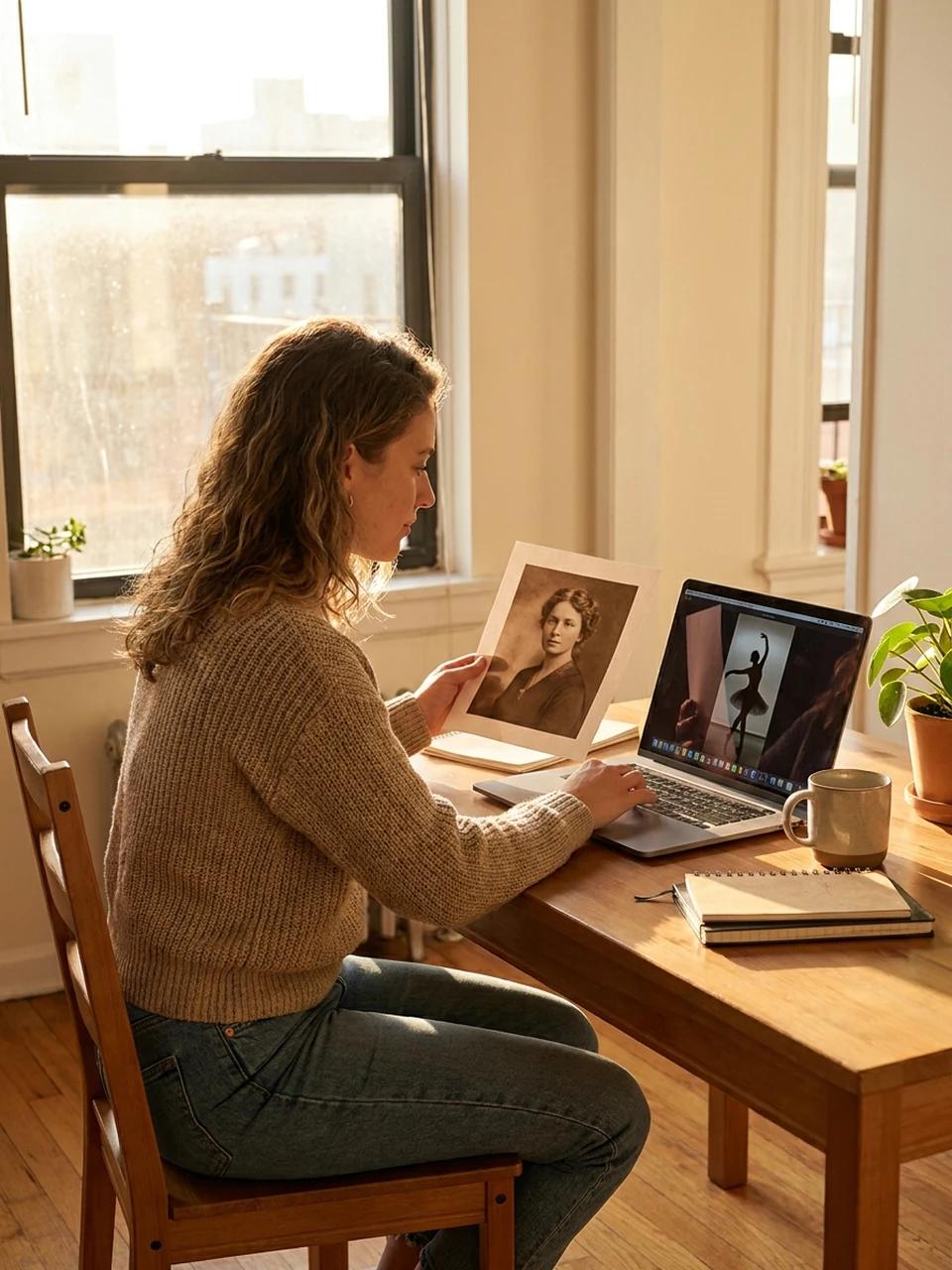
The two photos do not need the same background, clothing or lighting, but they should be similarly framed. Use one clear adult per photo, face the camera, and keep the eyes visible. If one photo is a close-up and the other is a tiny face in a wide shot, the model has to reconcile two very different scales.
For a couple or friends, choose photos taken in similar light. For a surprise clip, use the best available solo portrait of each person. Do not crop two people out of the same group photo unless each resulting crop is clean and contains only one face.
Matching the pair does not mean matching everything. Different outfits and backgrounds are fine, and often funnier. What should match is the amount of the person visible in the frame and the direction they face. If one photo is a tight headshot and the other is a full-body shot, the model has to invent a body for one of them, and that is where the result starts to look uneven.
- Two separate files, one adult each.
- Similar framing and light are ideal.
- No third person in either photo.
- Keep the left and right mapping unchanged across retries.
The move: one asks, one turns
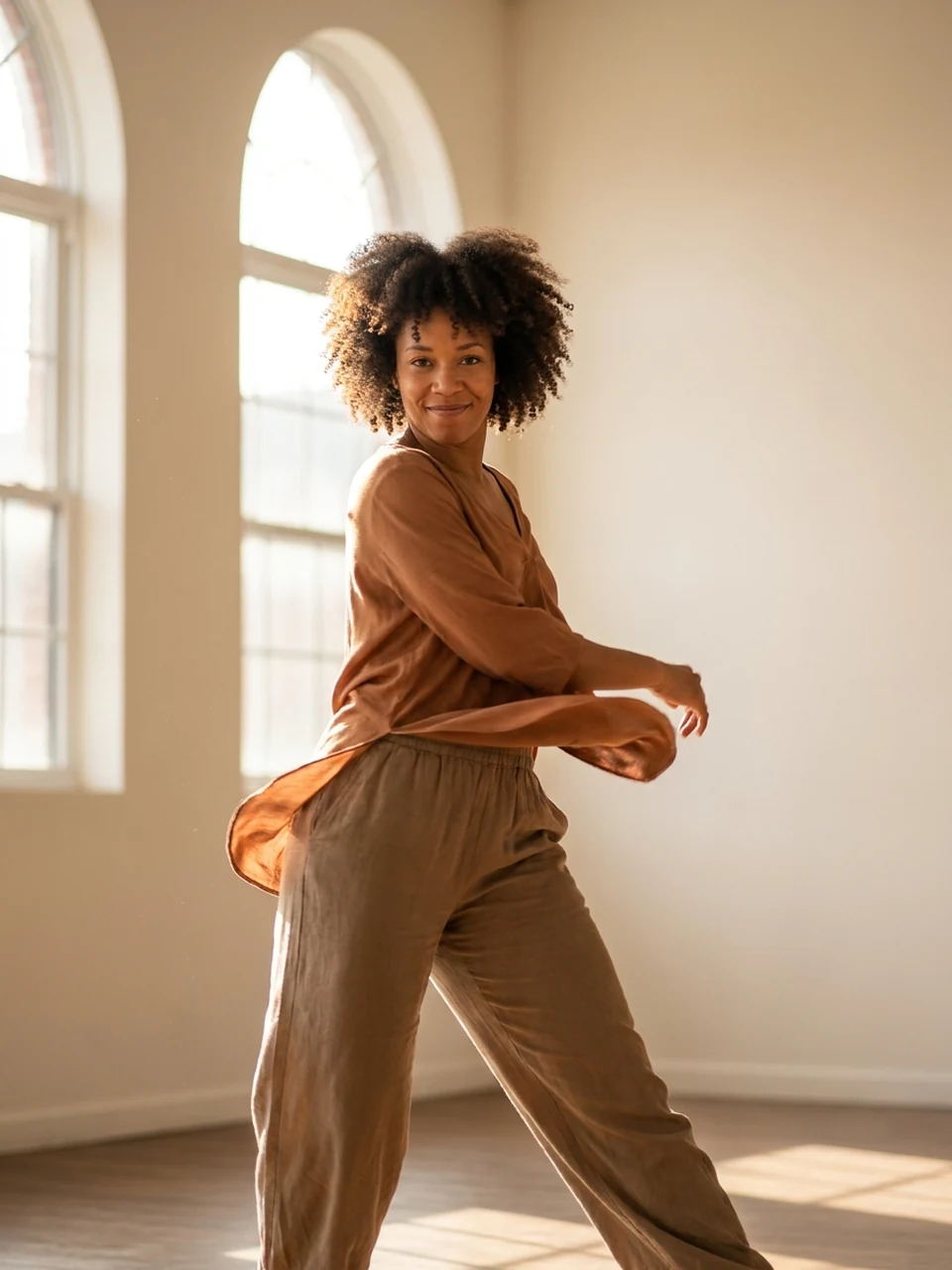
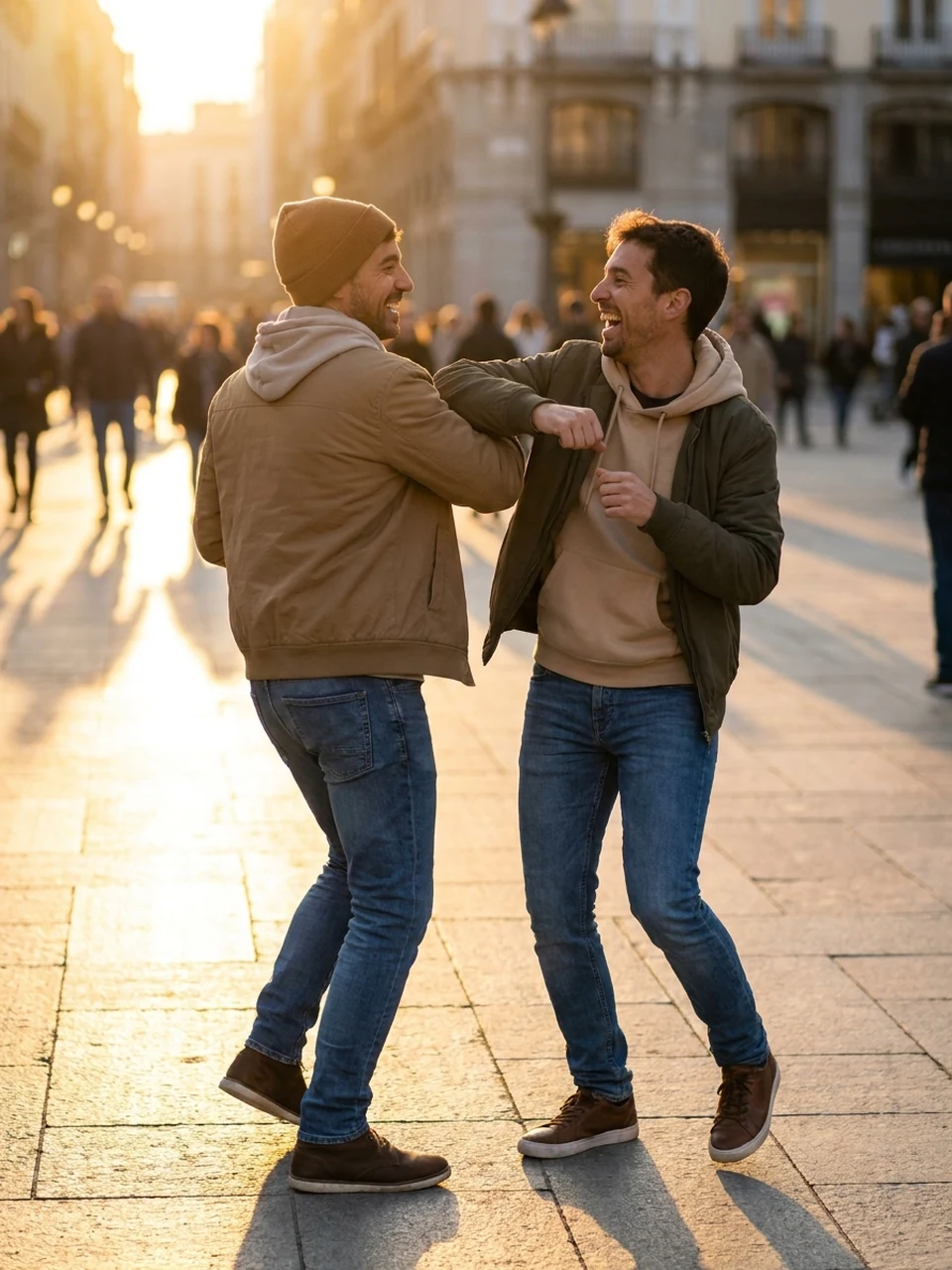
The Dame Hombro move is a call and response. One performer asks for the shoulder; the other turns and offers it. That is why the duet reads as a relationship rather than two people dancing near each other. The role mapping matters because the turn is directional.
If the result looks like one person is dancing alone, check that both photos were accepted and that the scene is actually the duet cut. If the wrong person turns, you can swap the two uploads and render again. Keep the rest of the inputs unchanged so the comparison is meaningful.
Avoiding face swaps and extra people
Face swaps usually come from ambiguous inputs: a group photo, a photo with two faces, or a very similar pair of people. Extra people usually come from a background face that the model tries to preserve. Crop tightly enough that only the intended person is visible.
You can also add a short direction such as keep the left person on the left or preserve both identities. Keep it specific and under 500 characters. A long paragraph of instructions is less useful than one clear constraint.
Consent is stricter with two people
Both people must be adults, and you need permission from both. A duet is not a loophole for using a friend, a colleague or a public figure without asking. If the clip is for a brand or a paid post, get the same written release you would get for a photo shoot.
Keep the result private if either person has not agreed to appear in a public example. The visibility setting is part of the consent, not a growth tactic. A private clip is still downloadable and still yours.
What the finished duet includes
The paid duet is an eight-second, 720p, 9:16 MP4 with generated audio. It uses the same credit price as a solo video: 30 credits. One job runs at a time, so a duet and a solo cannot render simultaneously on the same account.
The free preview is available once per person and is watermarked. Use it to check both faces at the turn and in the close-up. If one identity drifts, fix that photo before paying for the full render.
Good duet ideas that do not need a dance class
A couple can use a photo from the same trip. Two friends can use their favourite selfies. A parent and adult child can use portraits from the same year. A team can use headshots for a launch post. The clip is short, so the joke or the greeting lands faster than a long video.
If you want a series, keep the same two people and change only the direction or the visibility. Reusing the same pair makes the clips feel like a running bit; changing every input makes them feel like unrelated experiments.
Troubleshooting the duet
If only one person appears, confirm that both uploads completed before you pressed generate. If the faces are swapped, swap the two files. If a third person appears, crop the background. If the clip looks stiff, try a sharper pair of portraits before changing the scene.
The most reliable fix is always the same: one adult per file, both faces clearly visible, and no ambiguity about which photo belongs to which role. The model can handle different outfits and backgrounds; it struggles with unclear identities.