Dame Hombro AI Prompts: Write Better Video Prompts
Learn how Dame Hombro AI prompts work, what to include in a photo or text-to-video request, and the wording that gets a clean vertical dance clip.
Dame Hombro AI editorial team · Updated October 8, 2026
What a Prompt Actually Does
A Dame Hombro AI prompt is the written direction that sits beside your photo, and it decides the mood, setting, and framing of the eight seconds the tool renders. With a photo, the prompt guides the scene around the person; with text-to-video, the prompt carries the whole description because there is no upload at all.
Getting a good prompt does not require clever phrasing. It requires plain, specific nouns and a short list of decisions: what the scene looks like, how the person behaves, and what the camera is doing. Everything below is a way of making those three things clear.
Photo Prompts and Text-to-Video Prompts
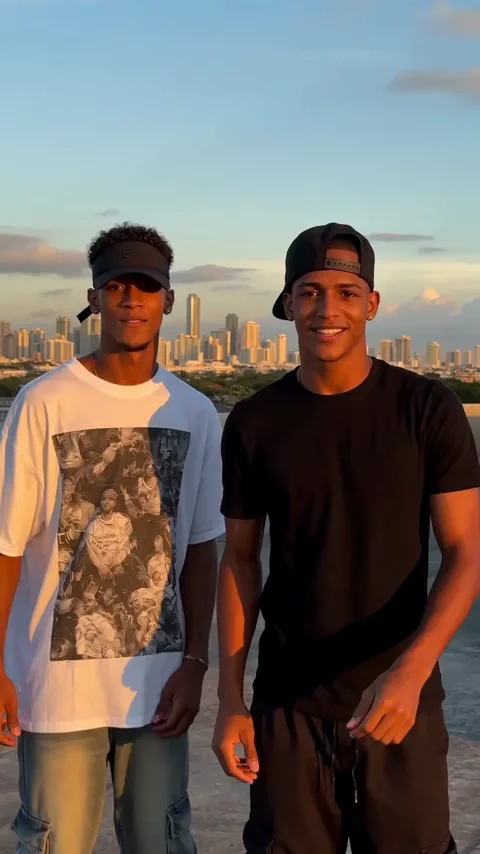
The tool supports two input modes, and they ask different things of you. In photo mode you supply one clear picture for a solo clip, or two separate photos for the duet scene, one per performer. The renderer already knows what the person looks like, so the prompt should describe the setting and the action rather than the person's appearance.
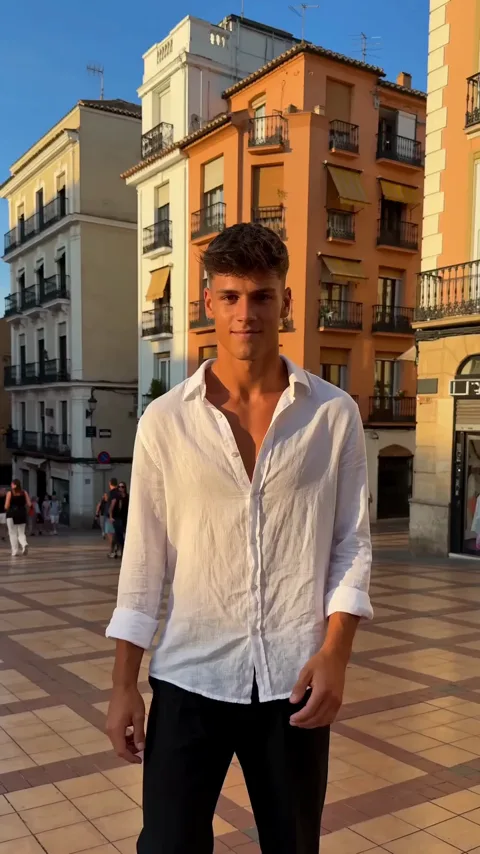
In text-to-video mode there is no photo, so the prompt has to describe the subject as well as the scene, including clothing and general appearance. Text mode is the right choice when your only usable picture is poor, because a clear description of a dressed, sensible scene often beats forcing the renderer to interpret a soft image.
The Four Building Blocks
Most useful prompts contain the same four parts. Build them in this order and you rarely need more than two sentences.
| Block | What it answers | Example wording |
|---|---|---|
| Setting | Where are we? | a sunlit street corner with a low wall |
| Subject | Who is on screen? | a young adult in a plain shirt |
| Action | What happens in eight seconds? | they perform the shoulder-dance move facing the camera |
| Camera | How is it filmed? | a steady vertical phone shot, medium distance |
If you supply a photo, the subject block is already settled and you can drop it. If you are in text mode, keep it and be concrete about clothing, since the renderer cannot invent a wardrobe you never described.
Prompt Patterns That Work
The patterns below are ordinary sentences, not magic phrases. Read them as templates you can adapt rather than scripts to copy word for word.
The first pattern is place plus action. Describe one location, then one clear movement: a person dancing on a rooftop at golden hour, filmed from the waist up in a vertical frame. The second pattern is mood plus camera. Name the light and the distance the shot keeps, such as a warm evening street filmed from a few steps back. The third pattern is contrast, useful when you want drama without clutter, for example a single figure under a street light against a dark plain background.
Notice what these have in common: each names one place, one action, and one camera position, and none of them tries to describe an entire short film. Eight seconds is short, and a prompt that aims at one clear moment will read better than a prompt that lists five ideas.
Words That Cause Failures
Moderation checks your prompt on its own, before anything is rendered, and adult content is rejected at every stage. A single explicit phrase will fail the whole request even when the uploaded photo is perfectly innocent, and failed jobs refund the credits they consumed, so you lose time rather than money.
Beyond moderation, some wording simply produces poor results. Vague intensifiers like stunning or cinematic add nothing the renderer can act on, and contradictory instructions, such as asking for a close-up and a full-body shot at once, leave the model to guess. Long lists of unrelated details are another common problem: they spread the eight seconds across too many ideas and the clip ends up looking confused.
Change One Thing at a Time
When a prompt does not give you the result you wanted, adjust a single element and keep everything else fixed. This is the only reliable way to learn what each phrase does.
- Write a first prompt with one setting, one action, and one camera position.
- Submit a single job and wait for the render to finish.
- Note which part of the clip you dislike, such as the setting or the framing.
- Change only the matching block in the prompt.
- Resubmit with the same photo, so the image is not a variable.
- Keep the version you like and reuse it as your template.
Changing one block at a time means the difference you see can be attributed to the change you made. Rewriting the whole prompt after every attempt tells you nothing and wastes credits.
Reusing a Prompt Across Scenes
Once a prompt produces a clip you like, it becomes an asset. Keep the words in a note, pair them with the photo that worked, and reuse the pair whenever you want a similar result. If you then change the scene, change the setting block only and leave the camera and action language untouched.
There is a practical limit worth respecting too. The tool renders one MP4 per job, vertical 9:16 at 720p, about 8 seconds, with generated audio, and only one job runs per account at a time. Planning prompts around that format, rather than around a longer sequence you hope to receive, keeps expectations realistic and results consistent. For help when a clip still looks wrong, see our troubleshooting guide; for how credits and packs work, see the guide to Dame Hombro AI cost. Dame Hombro AI is an independent product and is not affiliated with, endorsed by, or licensed by Bulin 47, Kevin Wai, any record label, or any social platform.
FAQ
Do I need a prompt if I upload a photo?
No, a photo alone is enough. A prompt is optional, but adding one gives you control over the setting, the mood, and how the camera frames the person.
How long should a prompt be?
Two short sentences are usually plenty. Name one setting, one action, and one camera position, and stop there rather than stacking unrelated details.
Can I use the same prompt with a different photo?
Yes, and it is a good habit. Reuse the wording that worked and swap the photo, then change one block at a time if the new result drifts.
Why did my prompt get rejected?
Moderation judges the prompt on its own, and adult content is rejected at every stage. Rewrite the wording in plain, descriptive language and submit again.
Does a longer prompt give a better video?
Usually not. Eight seconds can only carry one clear moment, so a long prompt that packs in several ideas tends to produce a muddled clip.
For practical inputs, read our photo and framing tips and the privacy and consent guide. Pricing is explained on the pricing page, and the rules are set out in the terms of service.