What Viggle AI actually offers
Viggle describes itself as a spatial GenAI platform built on a physics-native world model that generates characters, motion and 3D scenes from one architecture. The public use cases on its homepage are character swap (“Swap characters. Put any character into any moment.”), motion capture (“Turn a phone video clip into production-ready motion in minutes”), games and an API for apps and games.
That breadth matters. Viggle accepts a photo and a video, and its motion-capture path expects a phone clip that supplies the movement. Its homepage does not advertise a text-prompt input, and it does not mention choosing or uploading a song. One API example references a template named tpl_dance_042, but no Dame Hombro template is advertised on the public pages reviewed for this comparison.
What the Dame Hombro AI studio does
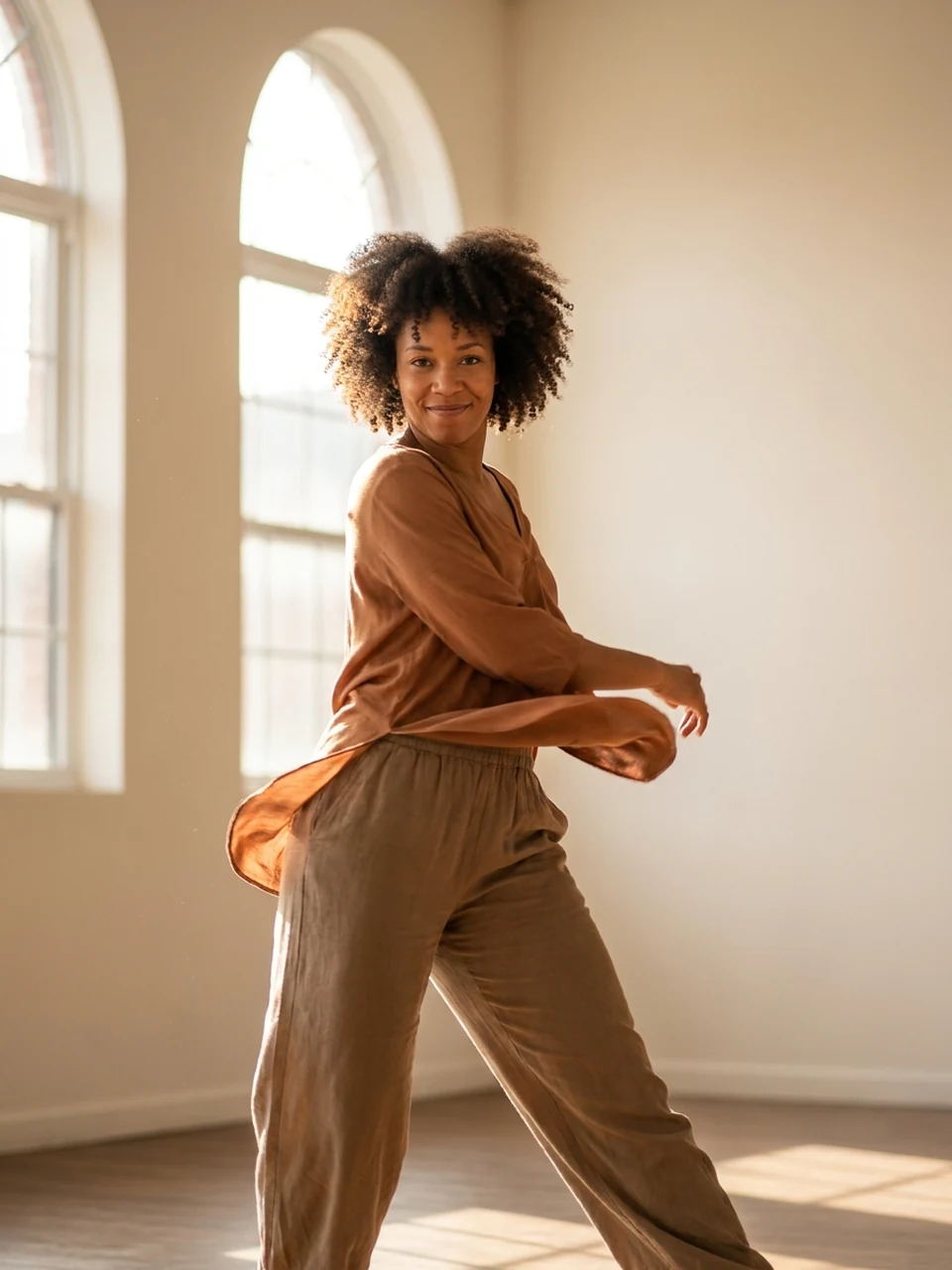
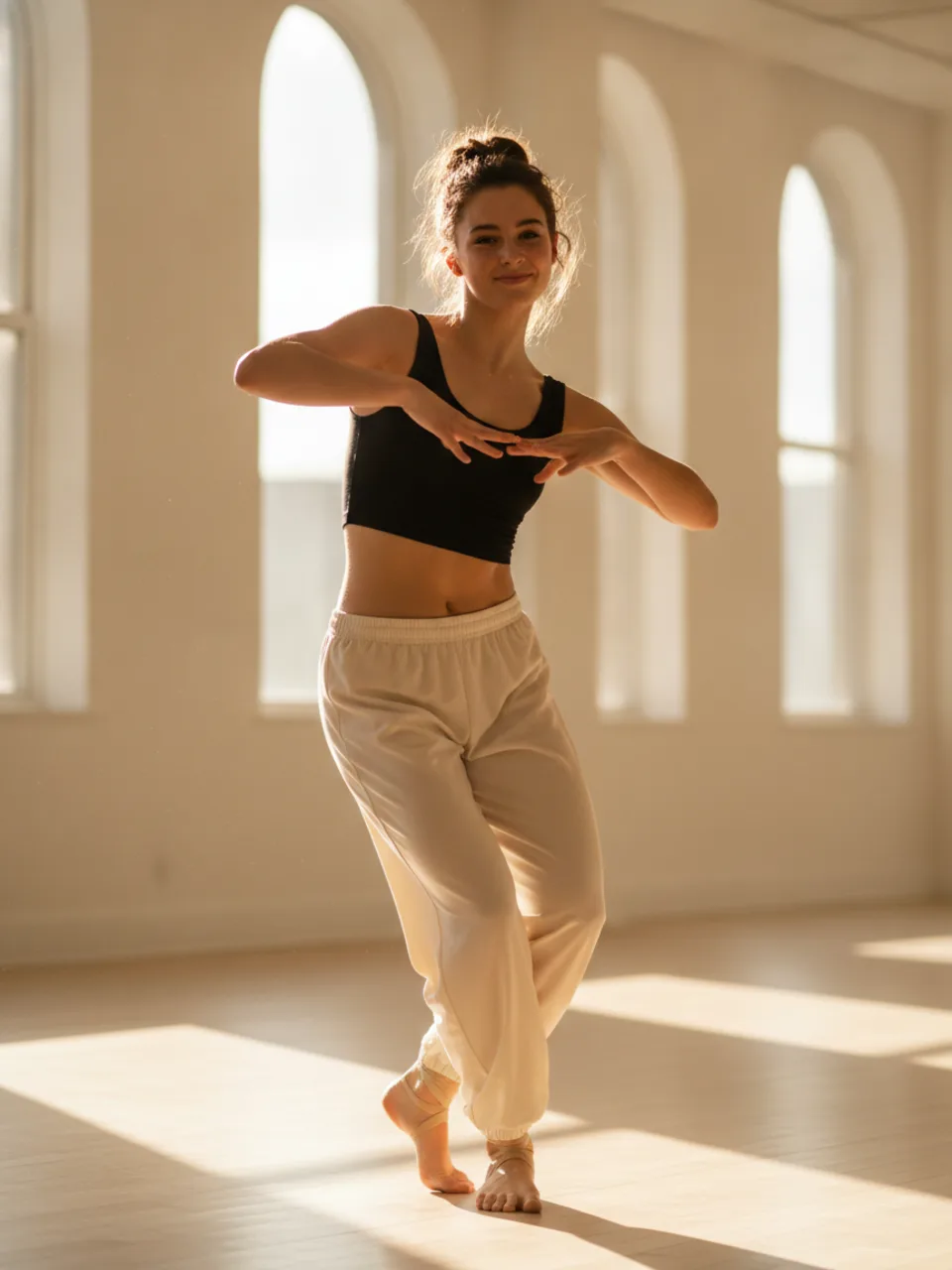
The studio starts from a short reference performance of the Dame Hombro shoulder dance. You upload one clear photo of an adult; the duet cut takes two separate photos. The model carries that person’s appearance through the reference movement, and the result is an eight-second vertical 720p MP4 with a generated audio track.
It is not a choreography tool. You cannot upload an arbitrary song, choose a new location or ask for a different dance. The constraint is the product: the scene, timing and camera stay fixed so the only variable is your photo. The free preview is four seconds, lower resolution and watermarked; the paid file is the clean MP4.
Viggle pricing on 2026-10-21
Viggle’s pricing page lists a free tier with five free videos a day, one job at a time, a one-minute upload cap, seven-day storage and a watermark. Pro is $7.99 per month, reduced from $9.99, with 80 credits a month, four jobs at once, a ten-minute upload cap, permanent storage and no watermark. Live is $15.99, reduced from $19.99, with 200 credits; Max is $63.99, reduced from $79.99, with 800 credits and up to ten jobs at once.
The page also shows a yearly option at 20 percent off but does not print annual totals or per-plan annual rates. It lists “unlimited videos” in the daily-video column for every paid plan while still showing a monthly credit allowance, so treat the credit line as the budget you can audit and the unlimited line as a marketing claim. It does not state output resolution, commercial-use rights or a guaranteed render time.
Dame Hombro AI pricing on the same date
One standard video costs 30 credits. A one-time pack is $9.90 for one video, $19.90 for three and $29.90 for five. Monthly plans are $17.90 for three videos, $44.90 for ten and $99.90 for thirty; yearly plans are $59.90 for thirteen, $399 for 133 and $699 for 266. Unused pack credits do not expire.
The free preview is a real four-second render at 480p with a watermark and no download endpoint. It is limited to one preview per person with a daily capacity cap of 20. A failed render returns its credits automatically. The paid deliverable is private by default and can be kept out of the public gallery.
The price comparison that matters
At the entry level, Viggle Pro is $7.99 a month and Dame Hombro’s single-video pack is $9.90. If you publish several clips a month, Viggle’s subscription is cheaper per month; if you want exactly one clip of this trend and no recurring charge, the one-time $9.90 is the smaller commitment. Per video, Dame Hombro costs $9.90 for one, $6.63 each in the three-pack and $5.98 each in the five-pack.
The comparison is not like for like. Viggle sells a general motion platform with a free daily allowance; Dame Hombro sells a fixed scene with a fixed output. A cheaper credit does not help if the tool cannot produce the specific clip you need, and a broader platform is not cheaper if you have to learn it, supply a motion clip and edit the result.
Where the numbers below come from
The table below puts the three routes side by side: the two dance tools and a general video model, Runway, for context. Every figure comes from the vendor’s own page on 2026-10-21. Where a vendor does not publish a number, the row says so instead of guessing. Prices and limits change; open the source page before you buy.
Who should choose Viggle
Choose Viggle when the motion is the variable. If you want a different dance, your own phone clip as the source, a character swap inside existing footage, or an API for an app, the prepared-scene model is the wrong shape. Viggle’s free tier also makes it the cheaper way to test many ideas in a day, as long as the watermark and one-minute upload cap are acceptable.
Read the limits before a commercial project. The pricing page does not state output resolution or commercial-use rights, and the yearly discount is shown without an annual total. A platform that does many things also asks you to make more decisions: motion source, character, template and export.
Who should choose Dame Hombro AI
Choose Dame Hombro AI when the deliverable is the trend itself. You have one photo, you want the shoulder-dance clip in a vertical frame, and you do not want to shoot a reference video or learn a timeline. The fixed scene removes the decisions that usually produce a bad first attempt.
Choose it also when consent and privacy are part of the job. The upload is private, the paid result can stay private, and every person shown must be an adult with permission. What you give up is flexibility: no arbitrary song, no new choreography, no 4K master and no general-purpose model menu.
How to test both with the same photo
Start with the free options. Dame Hombro gives one four-second watermarked preview per person; Viggle gives five free videos a day. Use the same portrait in both, then watch the face at the start, the turn and the last frame. Check the hands and the edge of the clothing, where motion models usually fail.
Judge the whole clip at normal speed, then once with the sound off. A still frame can look perfect while the motion falls apart. If the identity drifts, a sharper, front-facing photo usually helps more than a longer prompt. If neither free tier produces a usable face, paying will not fix the input.