Dame Hombro AI Video for TikTok: Post the Trend
How to make a Dame Hombro AI video for TikTok: upload a photo, generate an eight-second vertical clip, and publish it so the trend format actually performs.
Dame Hombro AI editorial team · Updated October 8, 2026
How to Make a Dame Hombro AI Video for TikTok
To make a Dame Hombro AI video for TikTok, upload one clear photo of yourself (two separate photos if you want the duet scene) and let the tool render an eight-second vertical clip of you performing the shoulder-dance freestyle. The export is already 9:16 and 720p with audio on, which is exactly the shape TikTok wants, so the job on your side is mostly about the photo, the caption, and where the on-screen text sits.
This guide covers the whole path: choosing a photo that survives moderation, generating the clip, understanding what you get back, and publishing it without the interface cropping the good part of the frame.
What the Tool Gives You Back
Each job produces a single file: an MP4, vertical 9:16, 720p, eight seconds long, with generated audio switched on. It is private to your account, so nothing is published on your behalf and nothing appears anywhere until you upload it yourself.
That output shape is unusually well matched to TikTok. You are not fighting an aspect ratio, you are not trimming a landscape clip into a hole, and you do not have to hunt for a sound to make the clip make sense. You can still replace the audio with a trending sound, and plenty of creators do, but you are starting from a finished-looking file rather than a raw asset.
Preparing a Photo That Passes Moderation
Moderation runs on the prompt, on the uploaded photo, and again on the finished video, and adult content is rejected. The practical rules that follow from that are simple and worth following before you spend a credit.
| Check | What good looks like | Common failure |
|---|---|---|
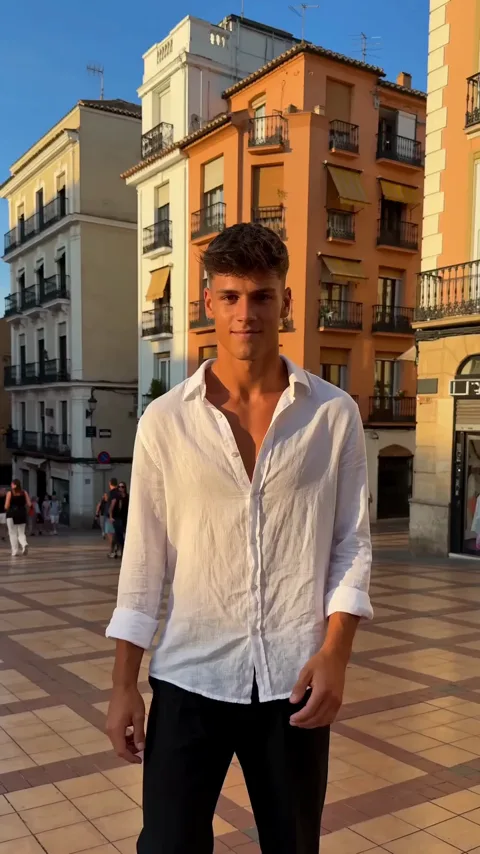
| Subject | One consenting adult, facing the camera | Group shots or a stranger's photo |
| Light | Even, front-facing light | Heavy shadow across one side of the face |
| Clarity | Face sharp and unobstructed | Sunglasses, hair across the eyes, motion blur |
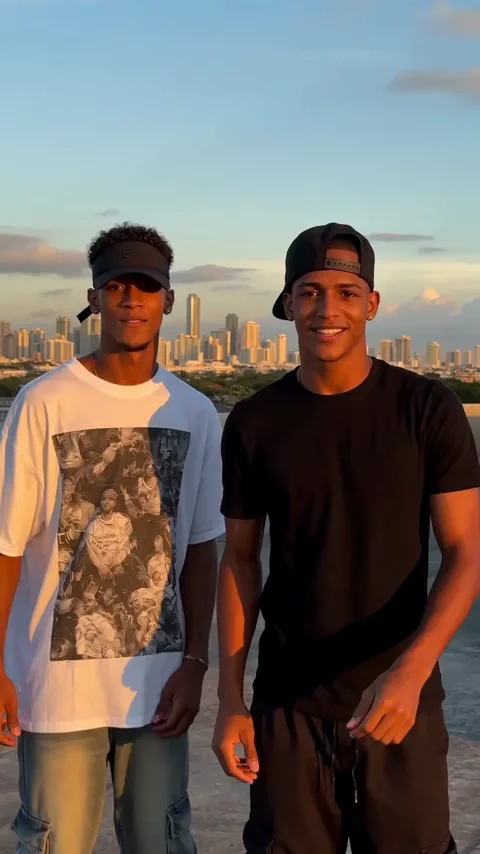
| Duet scene | Two separate photos, one per performer | Two faces crammed into one image |
| Format | A normal photo file from your phone | Screenshots, scans, heavy filters |
Text-to-video is also supported, so if you would rather describe a scene than supply a photo, you can do that instead. For a trend edit, though, a photo of the actual person is what makes the joke land.
Step by Step: From Photo to Published Post
- Sign up at https://damehombroai.com with just an email address. No card is needed to create the account.
- Claim the check-in reward from the account pop-up. Two claims are enough for one full video.
- Choose the scene. For a solo freestyle, one photo is enough; for the duet scene, upload two separate photos, one per performer.
- Optionally add a short direction describing the energy you want. Keep it brief and concrete.
- Submit the job and wait. Processing is asynchronous and usually finishes in a few minutes, and only one job runs per account at a time.
- Download the finished MP4 from your account when it appears.
- Open TikTok, start a new post, and upload the clip. It will already fill the vertical frame.
- Add or replace the sound, write the caption, then publish.
If a job fails, the credits it consumed are refunded automatically, so a rejection costs you time rather than money.
Fitting the Clip Around TikTok's Interface
TikTok lays its own controls over the bottom and right edges of your video, and that is where trend edits most often lose the punchline.
| Screen area | What TikTok puts there | What to keep out of it |
|---|---|---|
| Bottom fifth | Caption, sound name, buttons | Faces and fast hand movement |
| Right edge | Like, comment, share column | Text you want people to read |
| Top strip | Search and navigation | Anything you cannot afford to lose |
| Centre | Free space | Where the main freestyle should sit |
Because the generated clip frames the performer centrally, the freestyle itself is usually safe. Where people get into trouble is adding their own stickers and captions afterwards, so place text in the middle band rather than the edges.
Credits and What a TikTok Run Costs
One standard video costs 30 credits, whether it ends up on TikTok or anywhere else. Credits come from one-time packs or optional subscriptions, and packs never expire.
| Option | Price | Videos | Credits |
|---|---|---|---|
| Starter pack | $9.90 | 1 | 30 |
| Three-video pack | $19.90 | 3 | 90 |
| Five-video pack | $29.90 | 5 | 150 |
| Monthly plan | $29.90 per month | 10 | 300 |
| Yearly plan | $199 per year | 120 | 3,600 |
Monthly credits refresh each billing month. Yearly credits arrive at once and last the billing year. The free check-in sequence runs 10, then 20, then 30 credits, then 10 for each of the next four days you claim, once per account per 24 hours, which is why two claims already cover a full video. The cost guide breaks the maths down further.
Making the Post Travel
The clip is only half the work. The other half is giving the platform something to sort.
- Keep the caption short and readable in one glance, and put the trend name in it so the clip lands next to related edits.
- Use a handful of accurate tags rather than a wall of unrelated ones.
- Post the vertical export as it comes, without cropping, since the framing is already tuned.
- Reply to early comments with another version of the same character if you have credits left, which keeps one post feeding the next.
- If you want a second angle on the same photo, generate a different scene rather than reposting the same file.
FAQ
Can I use a photo of someone else?
Only with their consent, and only if the photo clearly shows one adult. The tool rejects anything it cannot verify as a single consenting adult face.
How long does a TikTok-ready clip take to render?
A few minutes, usually. Jobs run asynchronously and only one runs per account at a time, so queueing several at once will not speed anything up.
Do I need to add a sound?
No. The export already has generated audio. You can keep it or replace it with a trending sound inside TikTok.
Does the clip come out vertical?
Yes. The export is 9:16 at 720p, which matches the vertical feed without cropping.
What happens if my job is rejected?
The credits the job consumed are refunded to your account automatically. Check your balance, fix the photo, and try again.
Is this connected to TikTok?
No. This is an independent product, not affiliated with, endorsed by, or licensed by Bulin 47, Kevin Wai, any label, TikTok, Instagram or YouTube.
Where to Go Next
Questions about a stuck job or a payment can go to contact@damehombroai.com with your account email attached.