On this page
What This Review Covers
This is a review of the Dame Hombro AI tool on this site, written by the team that builds it. That is worth saying plainly: we are not an independent publication, and you should read the limits section with that in mind. What we can do is describe exactly what the product does, what it costs, and where it fails, so you can decide before you spend anything.
The short version: it turns one clear photo into an eight-second vertical clip of the Dame Hombro shoulder dance, costs $9.90 for the first video, and works in a browser. It is a single-purpose tool, not a general video editor.
What the Tool Actually Does
You upload one photo of an adult, choose the solo or duet scene, and confirm you have permission to use the image. The model takes the prepared freestyle footage as the source of motion and setting, then replaces the performer's appearance with the person in your photo. The result is an MP4: 9:16 vertical, 720p, eight seconds, with a generated audio track.
The mechanics matter because they explain the output. The scene and the movement come from the source clip, not from your prompt. Your photo controls who appears. If you want a completely different dance, different camera angle, or a longer runtime, this is the wrong tool.
What You Pay
A new account starts with zero credits. One standard video costs 30 credits, and the smallest pack is $9.90 for exactly those 30 credits. There is no free render and no free credit grant on this site, so the first video is paid.
| Option | Price | Videos | Credits |
|---|---|---|---|
| Starter pack | $9.90 | 1 | 30 |
| Three-video pack | $19.90 | 3 | 90 |
| Five-video pack | $29.90 | 5 | 150 |
| Basic monthly | $17.90 per month | 3 | 90 |
| Pro monthly | $44.90 per month | 10 | 300 |
Pack credits never expire. Subscriptions refresh each billing period. A failed render returns the credits it consumed, which is a credit return rather than a cash refund; payment refunds go through support. The cost guide lists every plan, including the yearly options, and pricing is the current source of truth.
Is $9.90 reasonable? For one eight-second clip, it is in line with other single-purpose AI video tools, and it is cheaper than hiring a dancer, a location, and an editor for the same shot. It is more expensive than a generic video model subscription if you already pay for one and are comfortable building the workflow yourself.
What the Output Looks Like
At its best, the clip reads as the trend: the shoulder pop, the two-step, the turn, and the handheld energy of the source footage. The person in the photo keeps their face and, depending on the mode you choose, either their original outfit or their whole appearance.
The audio is generated with the video, not the Bulin 47 track. You can keep it, mute it, or replace it in TikTok or Reels. If you add the commercial song, you need the rights to use it on that platform; the tool does not license music.
Where It Struggles
Every AI video tool has failure modes. These are the ones we see most often:
- Hands and fingers. Fast movement and small details are where the model is least reliable. Check the hands before you post.
- Likeness drift. A face can change slightly across cuts, especially when the person is small in frame or turned away.
- One role left unchanged in a duet. This usually means the photo mapping is wrong or one shot needs a reference the model did not get. The duet guide explains the fix.
- Outfit mismatch. Face & hair mode keeps the source clothing on purpose. Choose Whole appearance if you want the outfit to change too.
- Soft source photos. A blurry or heavily filtered photo produces a soft result. The photo guide covers what works.
- Moderation blocks. Explicit content is rejected, and the credits for that job are returned.
None of these are unusual for image-to-video models. They do mean you should preview the whole clip, not just the first two seconds, before you publish.
Who Should Use It
This tool is a good fit if you want to join the Dame Hombro trend without filming yourself, if you already have a clear portrait, and if you are posting to TikTok, Reels, or Shorts. One pack is enough to test whether the output suits your audience.
It is a poor fit if you need a long video, multiple camera angles, precise choreography, or a guaranteed exact likeness. It is also not the right choice if you want a free trial: there is no free render here, and any site promising unlimited free Dame Hombro videos is either advertising something else or harvesting accounts.
The Honest Verdict
Buy the $9.90 starter pack, generate one clip with a sharp, front-facing photo, and judge the result on your own face rather than on a sample. If the output fits your account, the three-video pack lowers the per-video price to about $6.63. If it does not, you have spent the price of one coffee and you know.
Start with the step-by-step guide so the first render is not wasted on a bad upload, and read the troubleshooting guide before a second attempt.
Tools for this guide
The next step is usually an input fix or a shorter direction, not another article.
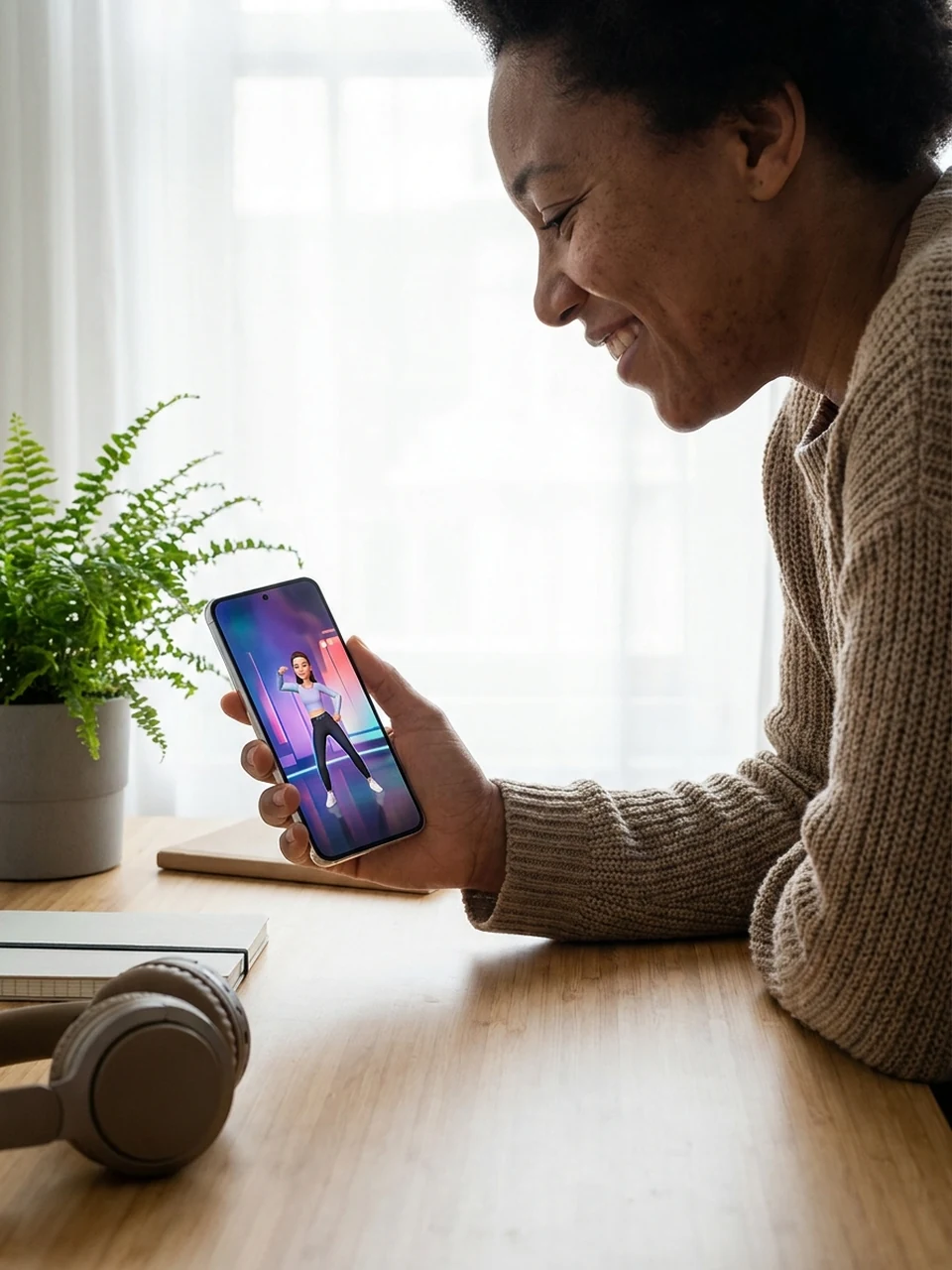
Output and quality
Dance video without watermark
Understand the difference between the free watermarked preview and the paid eight-second 720p dance video, and how to download a clean MP4.
Open tool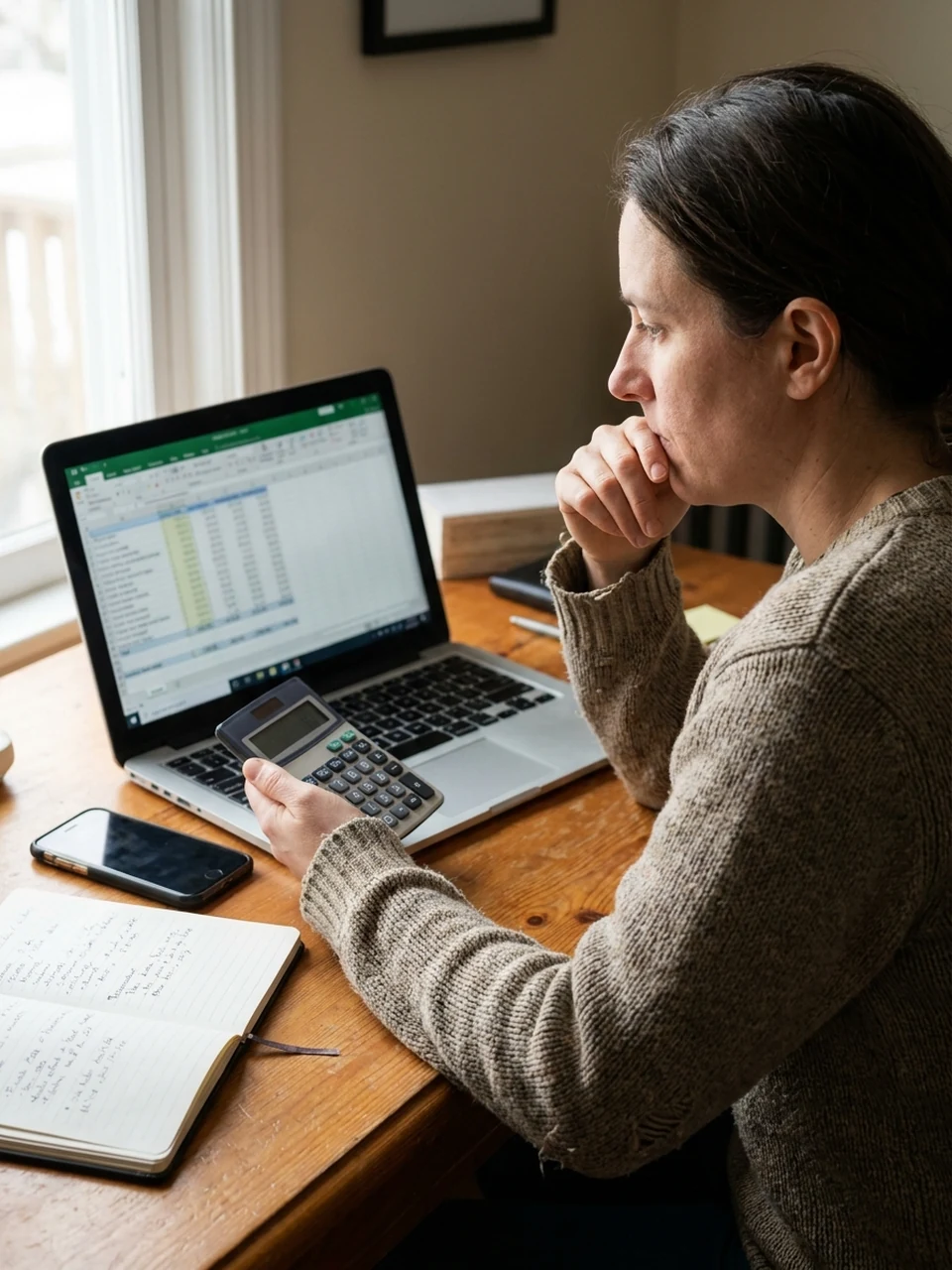
Pricing
Dance video cost calculator
Estimate the cost of AI dance videos. Compare one-time packs, monthly plans and yearly plans, then see the per-video price before you buy.
Open toolKeep exploring
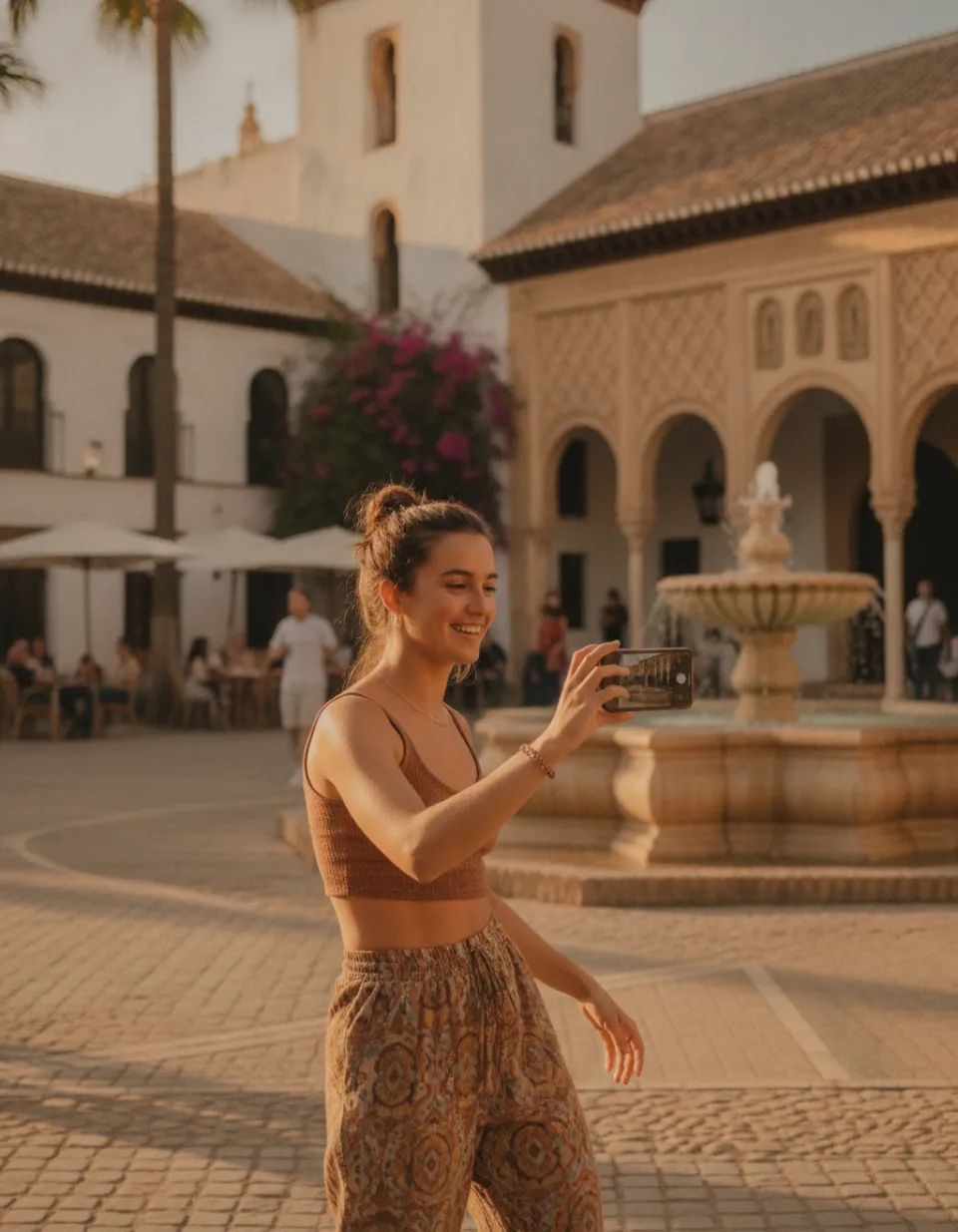
How to Make a Dame Hombro AI Video: Step-by-Step Guide
Learn how to make a Dame Hombro AI video from a single clear photo, from credits to the final MP4. A complete walkthrough for beginners on any device.
Read guide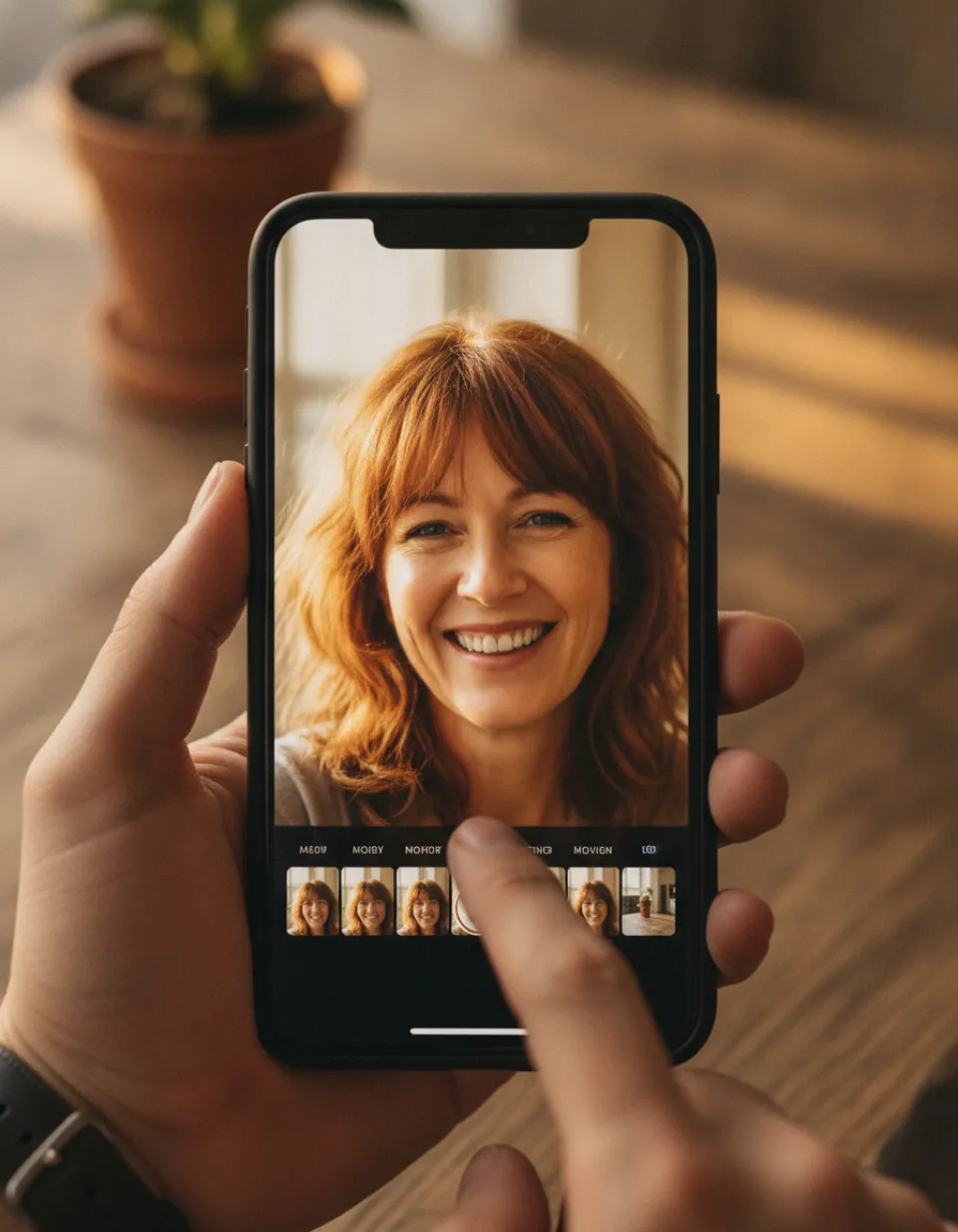
Best Photo for a Dame Hombro AI Video: The Full Guide
Pick the best photo for a Dame Hombro AI video. Learn about lighting, framing, file formats, face visibility, and the duet setup in one practical guide.
Read guide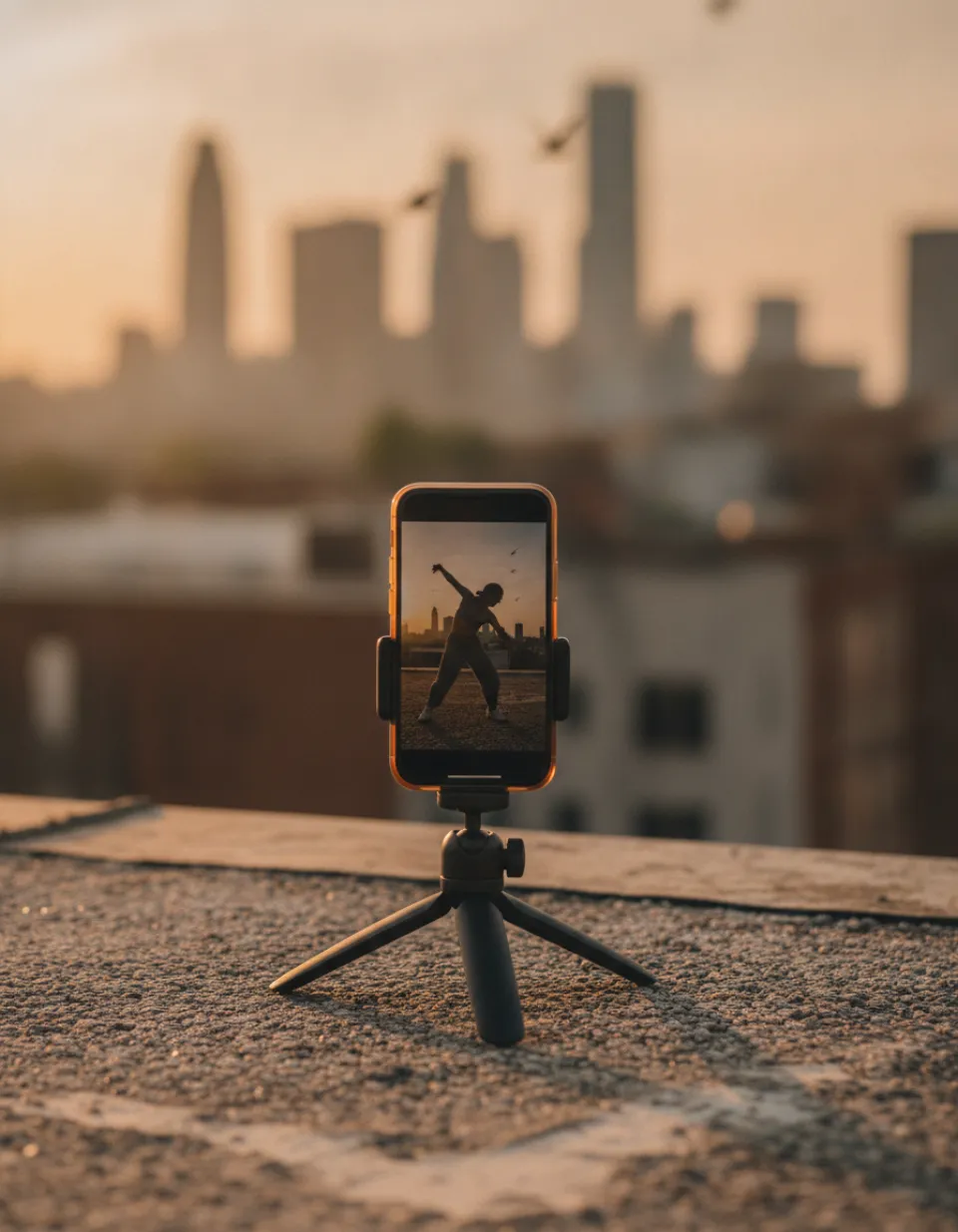
Dame Hombro AI Video Maker: Create Your Own Clip Today
Dame Hombro AI is a photo-to-video maker for the viral shoulder-dance trend: one portrait, one freestyle cut, and one eight-second vertical clip with sound.
Read guide