On this page
What a Duet Actually Is
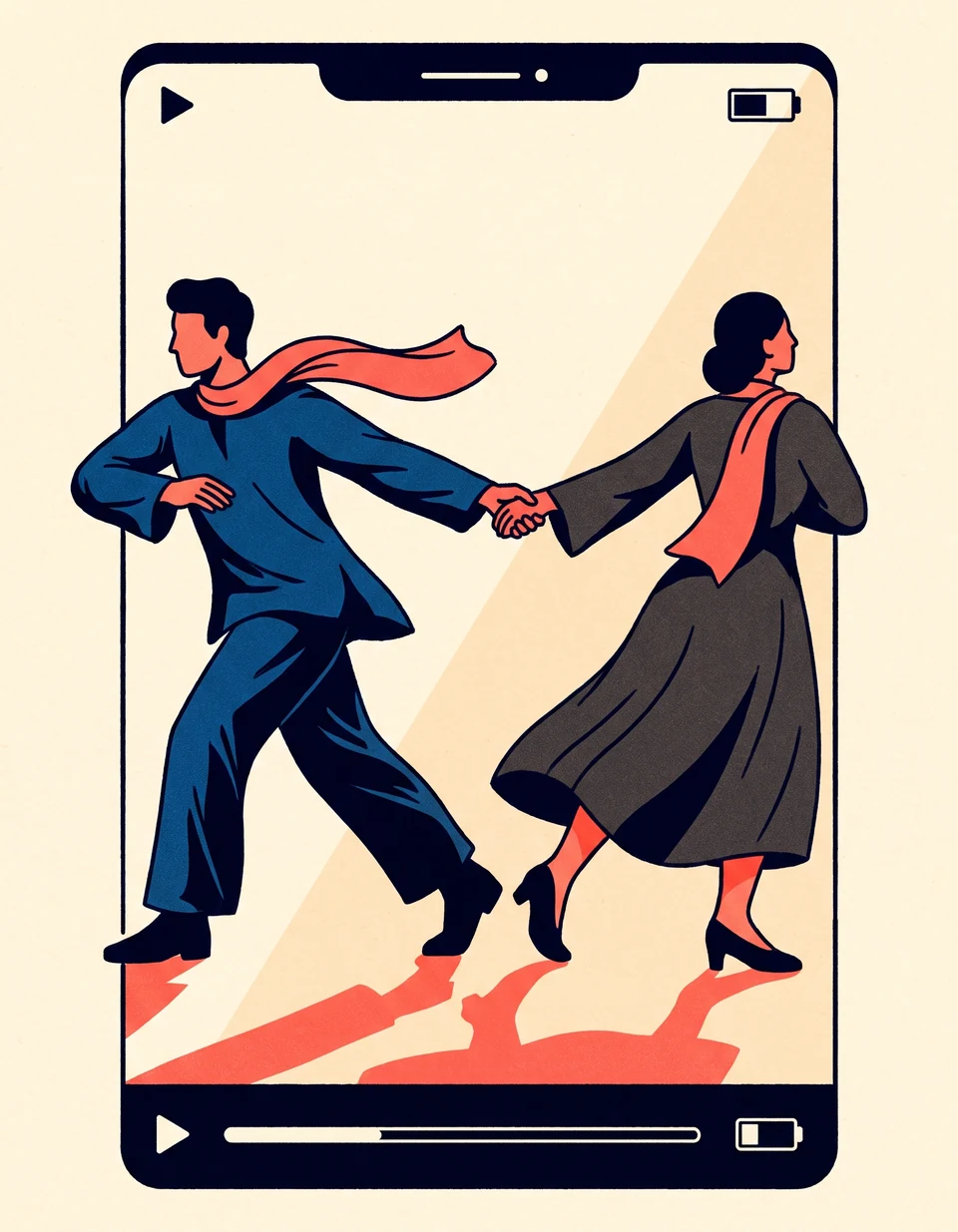
A duet is two people sharing one eight-second freestyle. One performer leads the turn and the other is turned, and the clip cuts between them. In the generated version you supply two separate photos, one adult per photo, and the model puts each of them into one of those two roles.
The roles are fixed by the source footage, not by you. The lead dancer and the turning dancer occupy specific positions in the frame at specific moments, and your photo replaces the person already there. That is the whole mechanic, and almost every duet problem comes from forgetting it.
Which Photo Goes Where
The upload panel labels each slot before you submit. Slot one replaces the first role, slot two replaces the second. If you put the wrong photo in the wrong slot, the clip does not fail; it just renders the two people in the opposite arrangement, and the person you expected to lead is now turning.
That outcome looks like a model error and is usually not one. Check the labels first, then look at the troubleshooting guide only if the mapping is correct and the result is still wrong.
Why One Performer Sometimes Stays Unchanged
This is the most common complaint about duets, and there are three separate causes.
The person appears alone after a cut. When the edit cuts to a single performer, that shot needs a reference photo for that performer. If the same person appears in two shots that the model treats as different roles, one of them can be left as the original. Solutions: keep the mapping consistent, and check every shot in the preview rather than the first few seconds.
Face and hair mode keeps the original clothing. Choosing Face & hair deliberately preserves the source outfit. If the two roles wear different clothes, a face-only replacement can look like the wrong person kept their body. Choosing Whole appearance asks the model to carry the outfit too.
The face is too small or turned. A duet splits the frame between two people, so each face is half the size it would be in a solo. A photo that works in a solo can be too soft here. Use two sharp, front-facing portraits rather than two full-body shots.
Photo Rules for Two People
The rules are the same as the solo ones, applied twice. Two clear adults, one per photo, facing the camera, evenly lit, no other people in the background. A shared photo of the pair standing together is not two photos and does not work: the model needs one person per file.
| Requirement | Solo | Duet |
|---|---|---|
| Photos | One | Two, separate files |
| People per photo | One adult | One adult each |
| Best framing | Head and shoulders | Head and shoulders, sharp |
| Common failure | Soft focus | Wrong slot, or one role left unchanged |
Both performers need to have agreed to appear. The consent checkbox covers this and it is not a formality: a duet is a clip of two identifiable people.
Realistic Uses for a Duet
Duets are the format people share most, because two people means two audiences. The usual cases:
- Two friends trading the move, each posting the same clip.
- A couple, where one leads and the other turns.
- A parent and a child, with the adult in the leading role.
- A creator and a cosplayer, where each slot gets a separate portrait.
The last one works best when both portraits are clear and similarly framed, because the model maps each photo to one role. Read the direction guide if you want to keep a detail such as glasses or an outfit.
Reviewing Before You Download
A duet has twice the surface area for small errors, so watch the preview twice.
- Confirm both faces appear, and confirm the right person is in the right role.
- Watch the cut points, which is where a face most often reverts.
- Check hands and the turn, the two places the model struggles most.
- Check the outfit if you chose Whole appearance.
- Only then download and publish.
AI can change facial details, hands, or exact motion. The site says so in the FAQ and it is worth repeating here: a duet that looks right for seven seconds and wrong for one is still a clip you should not post without a second take.
What It Costs
A duet uses the same 30 credits as a solo, because a clip is a clip: eight seconds, 720p, vertical, with generated audio. One-time packs start at $9.90 for a single video, and a failed generation returns its credits automatically. The cost guide lists every pack and plan, and pricing shows the current options.
Start with one video rather than a bundle if you have not generated a duet before. The first attempt is where you learn how the two roles map, and that lesson is cheaper at the entry price.
Next Steps
Preview the duet scene in the studio before you spend anything, then follow the step-by-step guide for the upload flow. If you are still choosing between a solo and a duet, the trend explainer shows how both formats fit the challenge, and the dance tutorial explains the move itself if you would rather film it.
Tools for this guide
The next step is usually an input fix or a shorter direction, not another article.
Solo vs duet staging
Duo challenge planner
Plan 1-person solo vs 2-person couple Dame Hombro sync presets, warm Latin backdrops and sleeve contrast with 1-click transfer into the AI generator.
Open tool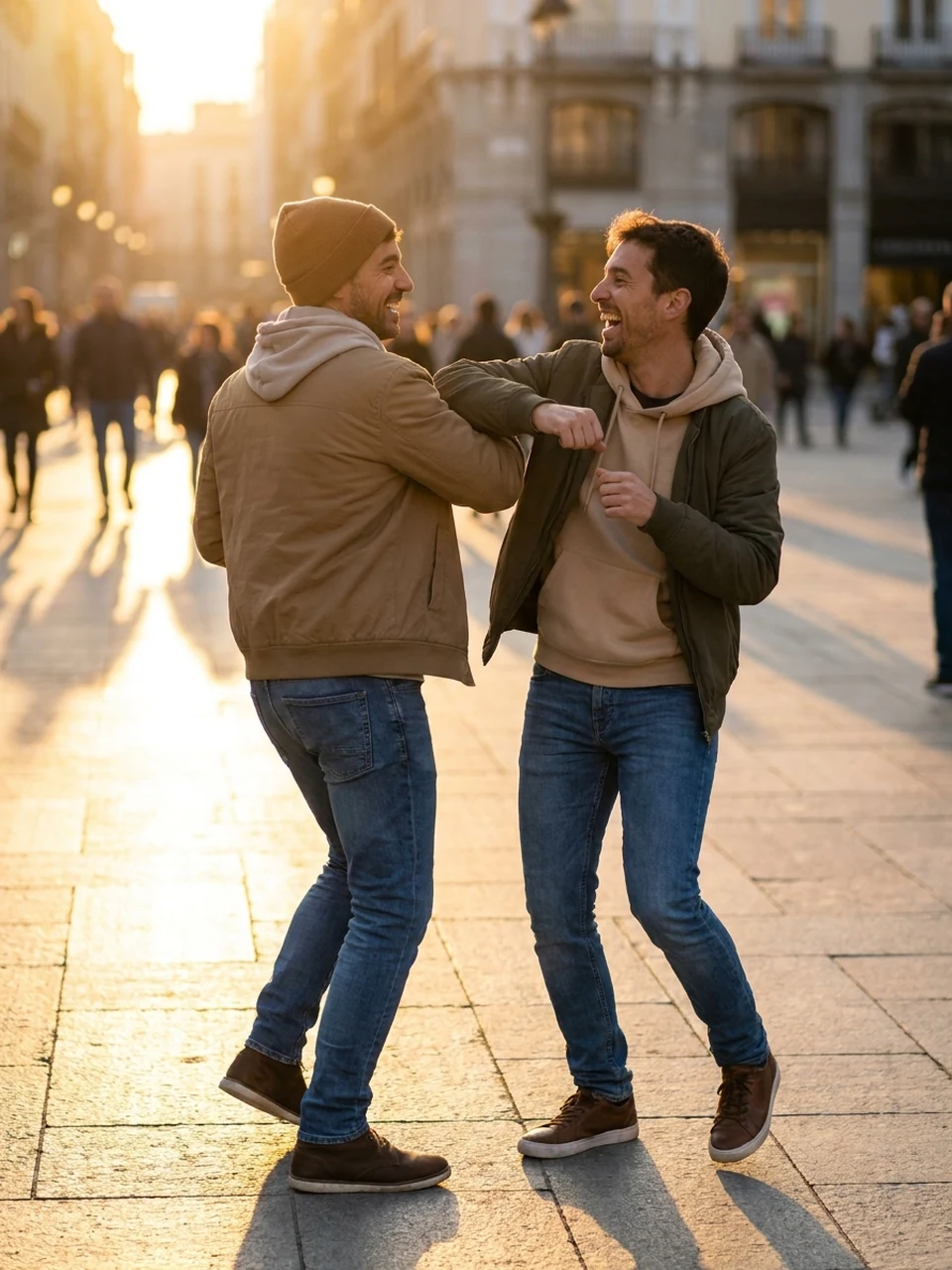
Duet workflow
Duet dance video maker
Make a duet dance video from two separate photos. Learn how the left and right roles map, how to avoid face swaps, and what the eight-second duet includes.
Open toolKeep exploring
How to Make a Dame Hombro AI Video: Step-by-Step Guide
Learn how to make a Dame Hombro AI video from a single clear photo, from credits to the final MP4. A complete walkthrough for beginners on any device.
Read guide
Best Photo for a Dame Hombro AI Video: The Full Guide
Pick the best photo for a Dame Hombro AI video. Learn about lighting, framing, file formats, face visibility, and the duet setup in one practical guide.
Read guide
Dame Hombro AI Video Maker: Create Your Own Clip Today
Dame Hombro AI is a photo-to-video maker for the viral shoulder-dance trend: one portrait, one freestyle cut, and one eight-second vertical clip with sound.
Read guide