On this page
- Why Ideas Matter More Than Settings
- 1. The Group-Chat Dare
- 2. The Birthday Post
- 3. The Couple's Duet
- 4. The "POV: My Boss" Clip
- 5. The Family Impersonation
- 6. The Character Edit
- 7. The Travel Recap
- 8. The "This Is My Personality" Post
- 9. The Throwback Clip
- 10. The Brand or Creator Teaser
- The Photo Rules That Apply to All Ten
- What Each Idea Costs
- Pick One and Generate
Why Ideas Matter More Than Settings
The tool has two scenes: solo and duet. The variety comes from who is in the clip and what the post is for, not from a long list of settings. That is good news if you are stuck: you do not need to learn a complicated editor, you need one clear idea and one clear photo.
These ten ideas are ordered from the simplest to the most involved. Each one names the photo you need and the reason it works as a post.
1. The Group-Chat Dare
Someone in the group chat says they would never do the trend. Generate the clip with their photo, with their permission, and post it in the chat before they can answer. The joke lands because the move is instantly recognisable and the clip is short.
Photo: one clear portrait, front-facing, taken in normal light. Ask before you use it; the consent rule is not optional.
2. The Birthday Post
A birthday post that is not another photo collage. Use one good portrait of the birthday person, generate a solo clip, and add a short caption. The eight-second length keeps it light rather than sentimental.
Photo: the best portrait from the last year, not a group photo. Crop to one person.
3. The Couple's Duet
The duet scene is built for two people: one leads, one turns. Use one photo each, keep the mapping straight, and post the same clip from both accounts. Two audiences, one video.
Photo: two separate portraits, one adult per file. Read the duet guide before you spend credits.
4. The "POV: My Boss" Clip
A work-safe joke about a meeting that could have been an email. The clip is the reaction; the caption is the context. Keep it affectionate rather than identifiable, and do not use a photo of a real colleague without permission.
Photo: a clear portrait of yourself in work clothes, or a colleague with their permission. A real adult photo is required.
5. The Family Impersonation
A parent, a sibling, or a grandparent doing the trend they would never film. The humour comes from the mismatch between the person and the move. Use a photo you have permission to use, and keep the caption kind.
Photo: a sharp, well-lit portrait. A candid shot with the face partly turned is the most common reason a clip looks off.
6. The Character Edit
Dress as a character from a story, a game, or a film and use a clear portrait of that look. This is the least predictable use, because costume and makeup give the model more to interpret than a plain face. Illustrated or cartoon images often fail moderation, so use a photo of an adult.
Photo: one clear portrait of an adult in costume. Read the direction guide for the optional note.
7. The Travel Recap
A photo from a trip, turned into a clip that looks like the trip had a dance break. The source scene provides the street energy, and the photo keeps the location's face.
Photo: a portrait taken on the trip. If the background is busy, crop closer to the face before uploading.
8. The "This Is My Personality" Post
A self-deprecating clip with a caption that lists three very specific habits. The trend supplies the movement; the text supplies the joke. This format works because it invites replies.
Photo: any clear portrait of yourself. A plain background makes the face easier for the model to read.
9. The Throwback Clip
Take an old portrait from a few years ago and let the version of you from then do the current trend. The joke is the time gap, not the person, so keep the caption warm. Use a photo you have the right to share.
Photo: one clear old portrait of yourself. Scan or crop it if the original is a group shot.
10. The Brand or Creator Teaser
A short, obviously AI clip used as a teaser for a longer post. The eight-second limit makes it a natural hook rather than a full ad. Keep the branding in the caption and the video, and label the clip as AI-generated where the platform requires it.
Photo: a product-free portrait of the creator. Avoid using a customer's photo, and do not imply a real person endorsed the product.
The Photo Rules That Apply to All Ten
- One adult per photo. Duets use two separate files, not one photo of two people.
- Face the camera, with even light and a sharp focus.
- Crop out other people and distracting text.
- Do not upload a photo of someone who has not agreed to appear.
- Preview the full clip before posting; AI can change hands, faces, and motion.
The photo guide goes deeper on framing and file formats.
What Each Idea Costs
Every standard clip costs 30 credits, whatever the idea. The starter pack is $9.90 for one video, the three-video pack is $19.90, and the five-video pack is $29.90. Failed renders return their credits, so a moderation rejection does not eat the budget.
If you are testing several ideas, start with the starter pack and the idea that needs the least setup. The cost guide has the full list of packs and plans.
Pick One and Generate
Choose the idea with the photo you already have, generate one clip, and see how the model handles that face before you plan a series. The step-by-step guide covers the upload, and the review sets honest expectations for the first result.
Tools for this guide
The next step is usually an input fix or a shorter direction, not another article.
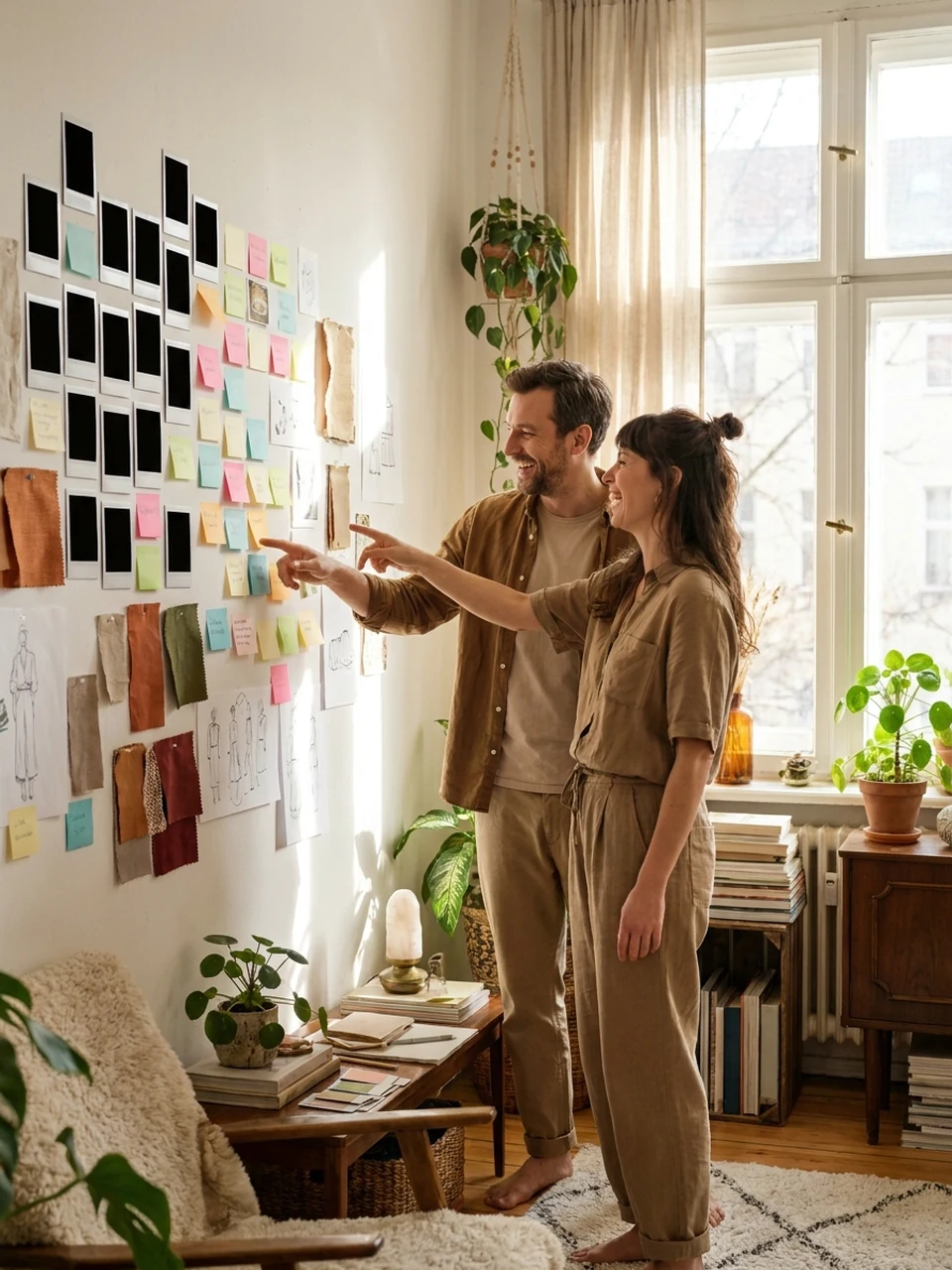
Ideas and direction
Dance video ideas
Find a dance video idea for a birthday, wedding, trip or group post. Generate solo and duet concepts with a shot direction you can use in the studio.
Open tool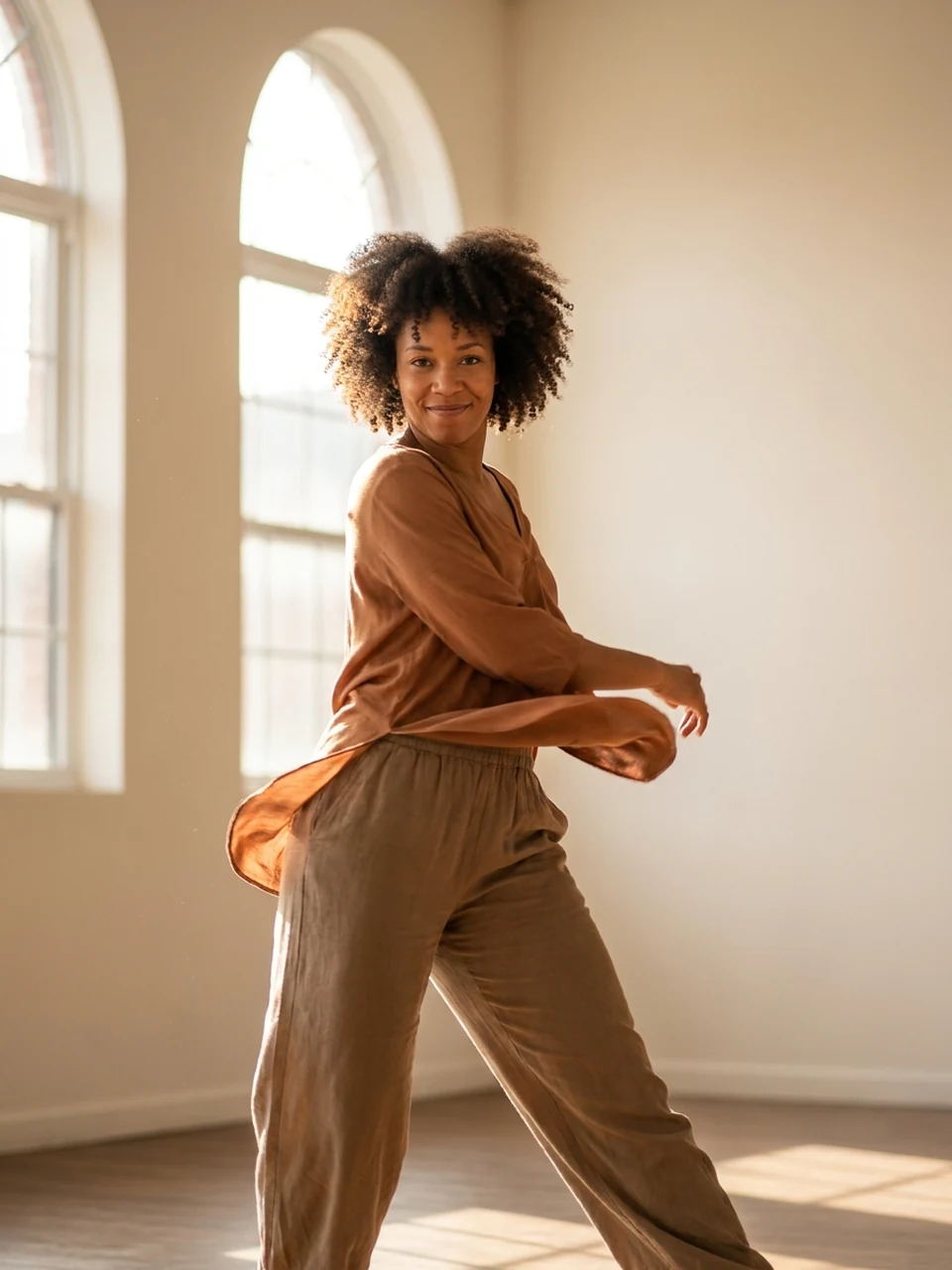
Video generation
AI dance video generator
Use an AI dance video generator to turn one clear photo into an 8-second Dame Hombro shoulder-dance clip. See the workflow, limits, output and price.
Open toolKeep exploring
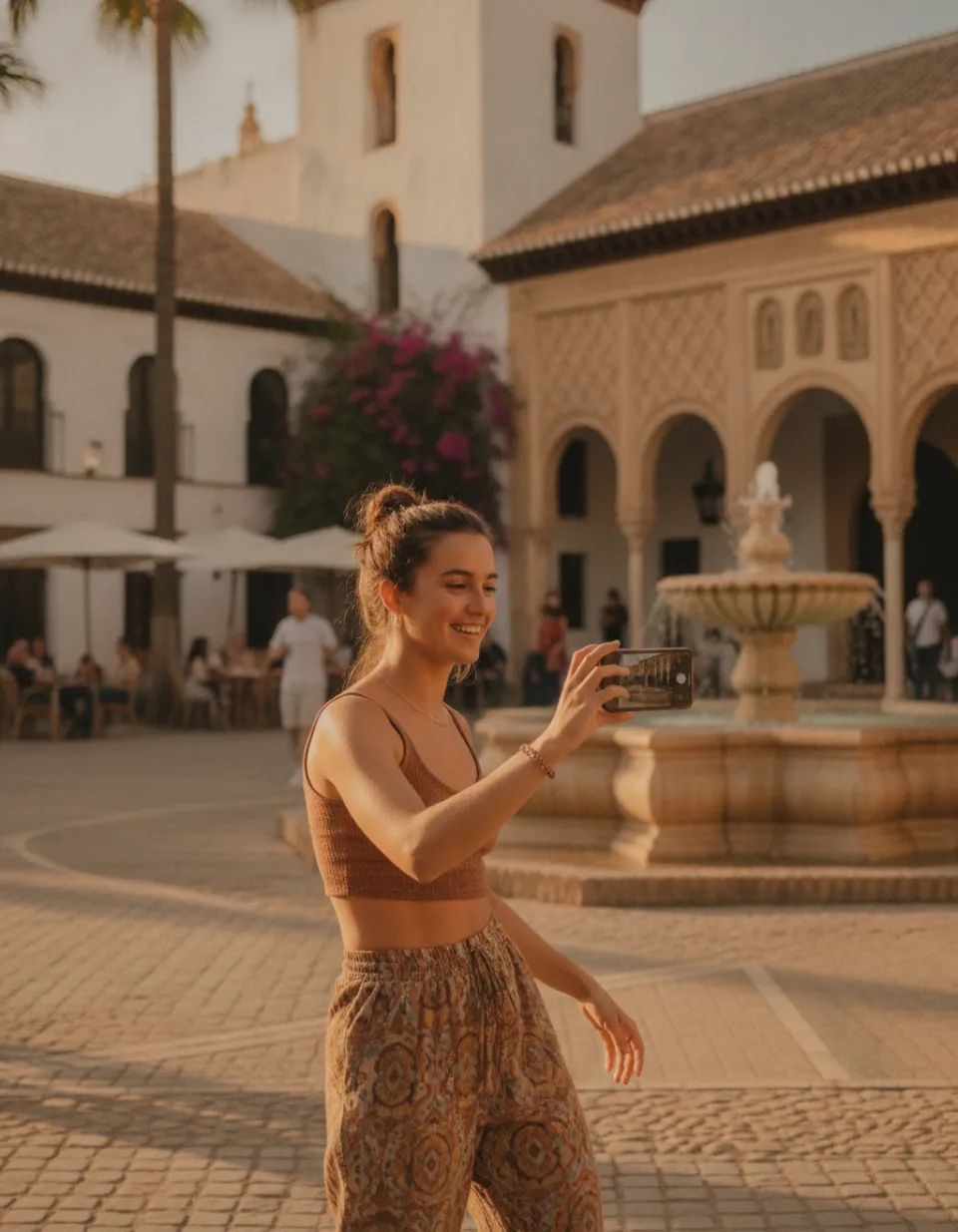
How to Make a Dame Hombro AI Video: Step-by-Step Guide
Learn how to make a Dame Hombro AI video from a single clear photo, from credits to the final MP4. A complete walkthrough for beginners on any device.
Read guide
Best Photo for a Dame Hombro AI Video: The Full Guide
Pick the best photo for a Dame Hombro AI video. Learn about lighting, framing, file formats, face visibility, and the duet setup in one practical guide.
Read guide
Dame Hombro AI Video Maker: Create Your Own Clip Today
Dame Hombro AI is a photo-to-video maker for the viral shoulder-dance trend: one portrait, one freestyle cut, and one eight-second vertical clip with sound.
Read guide